Best AI Assistant for Android in 2026
A practical guide to the best AI assistant for Android in 2026 — from chatbots that answer questions to assistants that actually do your admin work.
On this page
- Two kinds of AI assistant on Android
- The best AI assistant for Android in 2026
- 1. Catch - best for executives who want admin handled, not just answered
- 2. Google Gemini - best for the Google ecosystem
- 3. ChatGPT - best all-purpose chatbot
- 4. Microsoft Copilot - best for Microsoft 365 users
- 5. Perplexity - best for research
- 6. Samsung Galaxy AI - best for Samsung hardware
- How to choose the best AI assistant for your Android
- Why “does it actually do the work?” is the real question
- Frequently Asked Questions
Search for the best AI assistant for Android and what you’ll get back is mostly chatbots. Gemini, ChatGPT, Copilot, Perplexity. They’re all fine at answering a question, banging out a quick message, or summarizing an article while your coffee brews. But there’s a gap between an assistant that talks and one that does. One tells you which meeting to move. The other actually moves it.
I’m Nir Sabato, co-founder of Catch. We build an AI executive assistant for busy leaders, and I spend most of my week on the phone with executives who are buried in admin. Here’s the thing most roundups gloss over: nearly all of the apps people call the “best AI assistant for Android” are chat tools. Useful ones, sure. But that’s a different animal from having an assistant who runs your calendar, clears your inbox, and places the call to the restaurant on your behalf.
This guide covers both kinds. I’ll go through the best AI assistant options for Android in 2026, what each one is really for, and how to pick based on the job you need done rather than the app store star rating.
Two kinds of AI assistant on Android
Two pretty different products hide under the same search term.
AI chatbots answer questions, generate text, and help you think things through. You open the app, type something, get a response. Gemini, ChatGPT, Copilot, and Perplexity all sit here. They’re reactive by design: sharp when you ask, silent when you don’t.
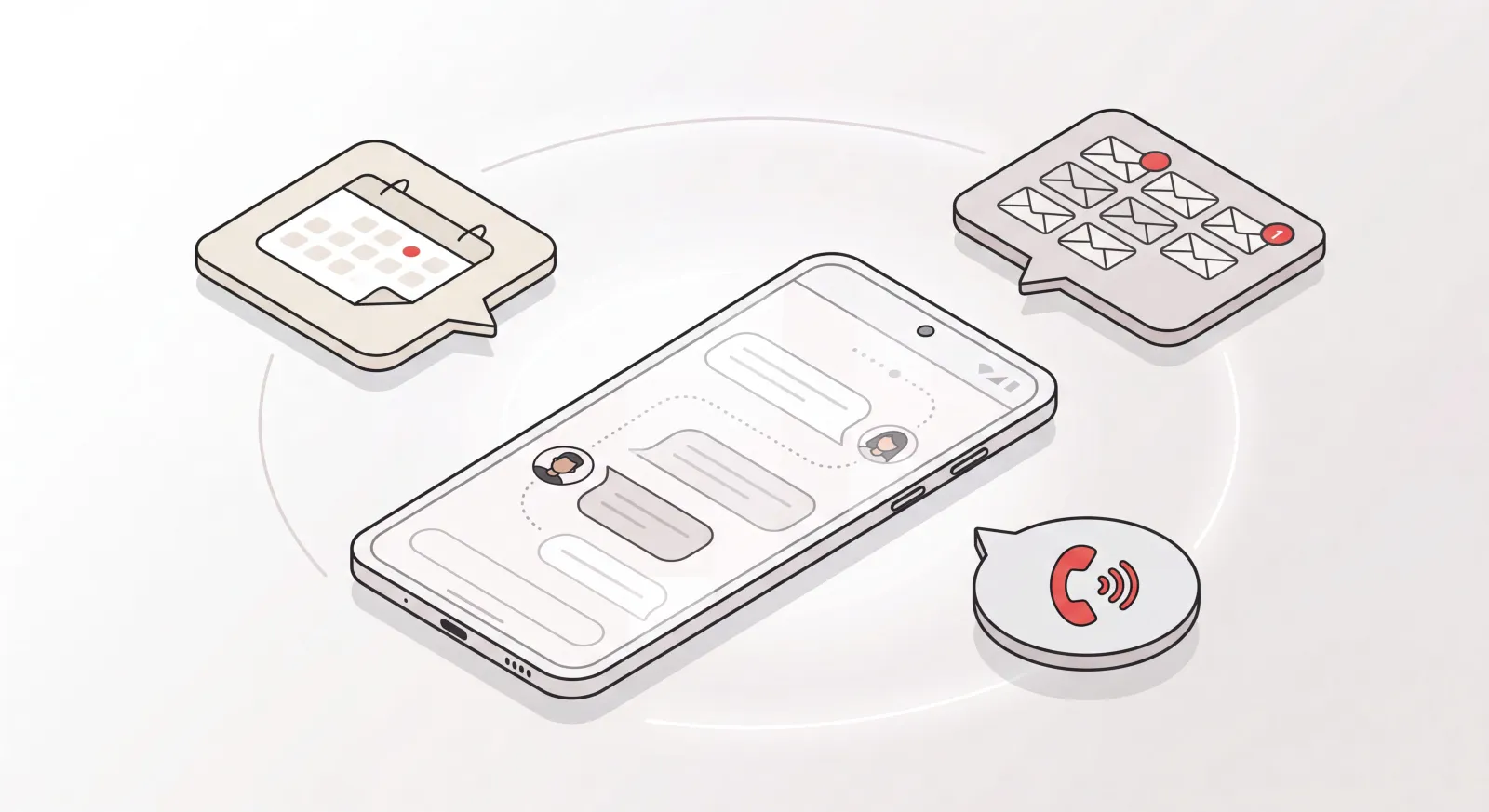
AI executive assistants take work off your plate from start to finish. They watch your calendar, triage your email, schedule meetings, and actually act in the world. You’re not opening an app to prompt them all day. You delegate, they execute. Catch sits here.
Figuring out which one you need is basically the whole game. Want a smart sparring partner in your pocket? A chatbot is perfect. Want fewer things on your to-do list? Then you want an assistant that does the work while you’re looking the other way.
The best AI assistant for Android in 2026
Here’s the shortlist. I’ve put the product I know best first, then the chatbots most people already have sitting on their phone.
1. Catch - best for executives who want admin handled, not just answered
Catch is an AI executive assistant that handles admin from start to finish: calendar, email, scheduling, voice calls, and bookings, built for executives at US mid-market companies. What makes it different on Android is that there’s no heavy app to learn. Catch reaches you through the channels you’re already using on your phone: text message, iMessage, Slack, email, and yes, actual phone calls.
That matters more than it might sound. Most Android assistants want you to open an app and start a conversation. Catch just sits in your existing text thread. You message it the way you’d message a human assistant (“move my 2pm to Thursday,” “book a 7pm table for four,” “who hasn’t replied to the contract email?”) and it goes off and does it.
Here’s what Catch handles on its own:
- Resolves calendar conflicts. It catches a double-booking and reaches out to reschedule. Most tools just flag the conflict and leave you to it. Catch chases it down.
- Triages your inbox. It reads what comes in, handles the routine stuff, and only texts you when something actually needs you, like a client pushing for a steep discount.
- Schedules and books. New meetings, scheduling links with custom constraints, and when someone sends over a booking link, it clicks through and books the slot based on your availability and what’s urgent.
- Makes real outbound calls. It’ll ring the hotel for a late checkout or book a restaurant, always introducing itself as your AI agent. No per-call fees.
- Sends, not just drafts. When it has enough context, it sends the email for you instead of leaving a half-finished draft sitting there.
It’s upfront about being AI. It identifies itself in emails and on calls, and when it isn’t sure, it asks rather than guessing. Pricing is a flat $99/month with a 10-day free trial and no per-call fees.
One caveat: Catch is built for delegation, not casual chat. If you just want to ask trivia or kick around ideas, a general chatbot is the better fit. If you want your admin to quietly disappear, this is the category you’re after.
2. Google Gemini - best for the Google ecosystem
Gemini is the default AI assistant on most Android phones in 2026, and on Pixel devices it’s baked straight into the OS. Its real strength is reach across Google’s world: Gmail, Calendar, Maps, Drive, Photos. Ask it to pull a detail out of your inbox or summarize a doc and it’s quick about it.
Where it runs out of road is action. Gemini will help you draft a reschedule email, but it usually won’t go negotiate the new time with the other person and update everyone’s calendars by itself. Great at answering, limited at doing.
3. ChatGPT - best all-purpose chatbot
For sheer range, ChatGPT is still the most downloaded AI app on the planet, and the Android version is excellent. Voice mode feels natural, answers are consistently good, and there’s a free tier to get going. If you want one app for everyday questions, writing help, and image generation, it’s tough to beat.
But it’s reactive. The way I sometimes describe it: ChatGPT will cheerfully agree to remind you every morning to block time for cold calls, and then it just won’t. It sits there waiting for you to come back. A real assistant doesn’t wait.
4. Microsoft Copilot - best for Microsoft 365 users
If your work lives in Outlook, Word, and Excel, Copilot is the obvious pick on Android. It plugs into Microsoft 365, often hands you free-tier access to recent models, and it’s genuinely handy for drafting and summarizing inside the Microsoft stack. Like the rest of this group, though, it’s at its best assisting your work, not running it for you.
5. Perplexity - best for research
Perplexity is the one for sourced research. Rather than just spitting out an answer, it searches the web live and shows you exactly where each claim came from. On Android, it’s what I’d keep around for “find me the real answer, with citations”: fact-checking, fast competitive research, anything where you’d rather not wonder whether the model made it up.
6. Samsung Galaxy AI - best for Samsung hardware
If you carry a Galaxy phone, Galaxy AI is a solid on-device layer: Circle to Search, Live Translate, Note Assist, and the rest. It’s less a standalone assistant and more a meaningful AI upgrade stitched into the OS. Great for the Samsung experience, but not a replacement for a full chatbot or an executive assistant.
How to choose the best AI assistant for your Android
The right pick comes down to the job you’re actually trying to get done.
- You want your admin handled for you → an AI executive assistant like Catch. Calendar, email, scheduling, and bookings, all of it run through text and email.
- You’re deep in Google → Gemini, for the tight Workspace integration.
- You want one flexible chatbot → ChatGPT, for all-around quality and voice.
- Your work is in Microsoft 365 → Copilot.
- You need sourced research → Perplexity.
- You’re on a Galaxy phone → Galaxy AI as your on-device layer.
Most leaders I talk to land on a mix: a chatbot for thinking, and an executive assistant for the admin that quietly eats their whole week. Different problems, different tools.
Why “does it actually do the work?” is the real question
Here’s the test I’d run on any AI assistant on Android before you commit: when this thing spots a problem, does it fix it, or does it just tell me about it?
A chatbot that flags a scheduling conflict still hands the rescheduling back to you. The emails, the back-and-forth, the calendar edits, all yours. An executive assistant closes the loop. That’s the line between assistance and delegation, and it’s the whole reason Catch exists.
It also explains why “app” is the wrong way to think about it. The best assistant for an executive isn’t one more icon on your home screen to check. It’s something living in the text thread you already have open, learning how you work, quietly clearing the tasks you never wanted to do anyway. On Android, that means you delegate from the same place you message everyone else, and the work just gets done.
If you’ve been hoarding AI apps hoping one of them finally lifts admin off your plate, maybe it’s time to try the kind that does the work instead of the kind that talks about it.
Frequently Asked Questions
What is the best AI assistant for Android in 2026?
Depends what you need it for. For general questions and writing, ChatGPT and Gemini lead the chatbot pack. For executives who want admin actually handled (calendar, email, scheduling, bookings), an AI executive assistant like Catch is the better fit, because it does the work instead of just answering questions about it.
What’s the difference between an AI chatbot and an AI executive assistant?
A chatbot answers questions and generates text when you prompt it. An AI executive assistant works in the background on its own: it triages email, resolves calendar conflicts, schedules meetings, even makes phone calls for you. One helps when asked. The other takes the task off your plate entirely.
Do I need to download an app to use Catch on Android?
No heavy app needed. Catch works through the channels you already use on your phone: text message, iMessage, Slack, email, and phone calls. You message it the way you’d message a human assistant, and it handles the rest.
Is Google Gemini the best AI assistant for Android?
Gemini is the strongest choice if you live inside Google’s ecosystem, thanks to its deep ties to Gmail, Calendar, Maps, and Drive. It’s excellent at answering and summarizing. What it generally won’t do is take real action, like rescheduling a meeting with the other party for you. For that, you’d want an executive assistant.
How much does an AI assistant for Android cost?
Chatbots like ChatGPT, Gemini, and Copilot have free tiers, with paid plans usually around $20/month. Catch is a flat $99/month with a 10-day free trial and no per-call or usage fees - voice is included in the plan, not billed per call.
Can an AI assistant actually make phone calls for me?
Yes. Catch places real outbound calls on your behalf, whether that’s booking a restaurant, arranging a late hotel checkout, or scheduling something for you, and it always introduces itself as your AI agent. (It places calls out - it doesn’t pick up your incoming calls, the same way a human assistant wouldn’t.) Most chatbot assistants can’t take real-world actions like this.
Is my data safe with an AI assistant on Android?
With Catch, yes. It keeps your data hosted in the US and never uses it to train third-party models. That said, with any assistant, it’s worth checking the provider’s specific security and privacy commitments before you connect your accounts.
Can an AI assistant manage my email and calendar?
Chatbots can help you draft emails and read your calendar. An AI executive assistant like Catch goes a step further: it triages incoming email, surfaces only what actually needs you, sends replies on your behalf when it has enough context, resolves calendar conflicts, and schedules new meetings on its own.
Will the AI assistant pretend to be me?
Catch never impersonates a human. It identifies itself as your AI agent in emails (“On behalf of [Name]”) and on phone calls (“Hi, I’m the AI agent for [Name]”). You can set up your email signature to disclose its AI nature or not, but the assistant itself stays transparent either way.
Which AI assistant is best for a busy executive specifically?
For executives, the bottleneck is rarely answers. It’s admin. That points to an AI executive assistant over a chatbot. Catch is built specifically for leaders at US mid-market companies who want real delegation: someone to own the calendar, inbox, scheduling, and bookings so they can focus on the work only they can do.
Keep reading
Related posts

What Does an Executive Assistant Do? Full Scope of the Role in 2026
A complete answer to what an executive assistant does: calendar ownership, inbox triage, meeting prep, travel, documents, and the judgment that makes the role hard to hire for.

Voice AI Agents: What They Actually Do for Business in 2026
An explainer on voice AI agents: how the listen-decide-act loop works, the three distinct products the category covers, and which one fits the job you are trying to hand off.

The Best AI Calendar Assistants in 2026 (Ranked)
A fair, factual ranking of the best AI calendar assistant tools in 2026 - what each one actually does with your calendar, who it fits, and what it costs.