Skej Review 2026: The Assistant You CC Into the Thread
A Skej review for 2026: how the email CC scheduling assistant negotiates times from inside a live thread, what it connects to, and the executives it fits.
On this page
- What Skej Is
- The One Design Decision Everything Else Follows From
- What Happens After You CC It
- It Is Not Only the Inbox
- 100% AI, No Humans in the Loop
- What Skej Publishes About Pricing
- Trust and Data
- Where the Thread Surface Holds
- Where a Scheduling Assistant Runs Out
- The Structural Difference Between Skej and Catch
- The Verdict on Skej
- Frequently Asked Questions
Most scheduling tools make the other person come to you. You send a link, they open a page, they pick a slot off a grid. Skej works the other way around: the conversation already exists, so the scheduling happens inside it.
Product details below come from Skej’s own site, checked October 25, 2026. Where the site stays quiet, this review says so instead of filling the gap. That matters more here than it usually would, because much of what gets published about assistants in this category is guesswork presented as a finding.
What Skej Is
Skej is an email CC scheduling assistant. The core instruction on its own site runs to a single line: “Cc your assistant on any email thread and just sit back. Book meetings, reschedule, and more.”
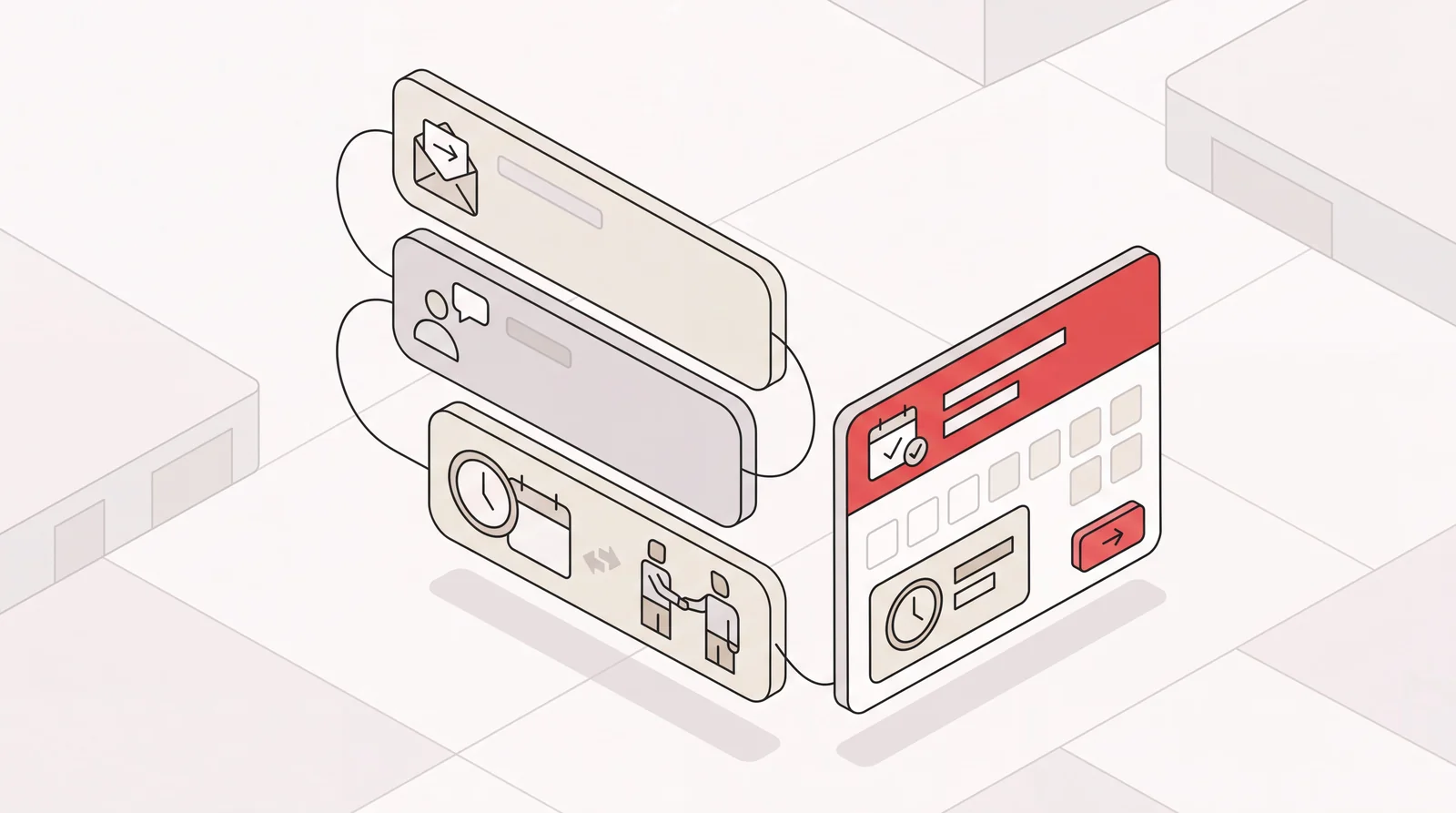
That’s the core product idea. In that flow there’s no page for the other party to visit and no new app for you to move into. You’re already writing an email to the person you want to meet, so you copy Skej in and it takes the scheduling from there.
Narrow by design, and that’s worth saying out loud. Skej books meetings, moves meetings, and chases the people who haven’t replied yet. A meeting coordinator, then, rather than a general admin assistant, and this review is more useful if it judges the job Skej actually claims.
The One Design Decision Everything Else Follows From
Every scheduling product picks a place for the negotiation to happen, and that one pick decides most of what the product can and cannot do afterwards.
A booking link pulls the negotiation onto your page, on your terms. Calendly works that way: meetings get booked through shareable links, embedded website forms, or an email-based AI assistant of its own. Skej positions its email-thread workflow as an alternative to sending a booking link.
Skej’s answer is to leave the negotiation exactly where it started. The thread is the interface. Nothing changes for the other person. They got an email, they reply to the email, a time gets agreed, the invite shows up. No page to open, no slot grid, no decision to make on someone else’s terms.
For a certain kind of exchange that’s plainly the better design. Sending a booking link to an investor who asked you a real question in paragraph three carries a small social cost, and most people underrate it. Replying in the thread costs nothing.
What Happens After You CC It
Once Skej is in the thread, two behaviors do most of the work.
First, the negotiation. Skej reads the thread, proposes times, handles the back and forth, books the meeting. Rescheduling runs the same way, which is the part people forget to test when they trial a scheduling tool. Meetings don’t get booked once. They get booked, moved, and moved again.
Second, persistence. Skej’s own promise is that “your assistant keeps following up until it gets booked.” More valuable than it sounds. Meetings rarely fall out of your week because nobody wanted them. They fall out because the thread went quiet on a Thursday and nobody picked it back up. An automated assistant keeps asking without hesitating at the fourth attempt.
It Is Not Only the Inbox
This is where a lot of Skej coverage goes wrong, and the correction is worth stating clearly. Skej isn’t sealed inside email.
Texting is a named product feature on Skej’s site, listed in the product navigation and again in the footer. And the integrations section, which Skej labels “Connects to everything,” shows Google Calendar, Outlook Calendar, Slack, Microsoft Teams, Zoom, Google Meet, Text Message, WhatsApp, Gmail, Outlook Mail, Apple Mail, and Superhuman.
Read that list and the picture shifts. Not a Gmail-only utility. Both major calendar stacks, four named mail clients, Zoom and Google Meet for video, and messaging sitting alongside email.
One qualifier on it, because a wall of logos flattens real distinctions. A logo tells you two products connect, not how far the connection goes, and Skej’s site doesn’t set out what each one covers. If your week runs through one of those tools in particular, check that integration against Skej’s own documentation rather than assuming it works the way the email thread does.
There’s a booking link too, which is a sensible thing to build even when you’re positioning against link-based scheduling. Skej calls it “a booking link that converts and converses,” and the assistant can chat live on the page to find a time rather than only presenting a grid of slots.
What this review won’t do is tell you where Skej can’t be reached. Skej’s site sets out the channels it covers, and where it says nothing, this review says nothing either. Silence about a feature isn’t evidence against it, so a gap here is better than a confident absence that turns out to be false.
100% AI, No Humans in the Loop
Skej puts it in capital letters: “100% AI, no humans in the loop.”
Take that seriously in both directions. It’s a genuine trade, and most reviews file it away as a feature bullet.
The scheduling workflow is automated, so it does not depend on a human scheduler composing each reply. That does not mean no person can ever access data: Skej permits authorized access for support, troubleshooting, security and legal needs under its AI usage and data policy.
The real variable is how much context the software has to work with. Skej works from the thread you copied it into and the calendar it’s connected to, which is enough to agree a time quickly and confidently. That’s the right shape for booking meetings at volume. Decisions that turn on knowing the executive, their priorities and who matters to them this week are a different job, and not the one Skej sets out to do.
Catch is software too, and there’s no person in the loop there either. The difference is the amount it knows: Catch builds its picture of the executive from the calendar, inbox, and tools it’s connected to and from the feedback it gets over time, then weighs what’s urgent, what can wait, and what needs a decision. It signs emails on behalf of the person it works for, so the people it coordinates with know who they’re dealing with.
What Skej Publishes About Pricing
Skej’s pricing page and subscription guide list these options, checked October 25, 2026:
| Plan | Monthly billing | Annual billing | Scope to check |
|---|---|---|---|
| Free | $0 | $0 | One booking link, one conflict calendar, agendas and reminders; no assistant after the trial |
| Pro | $19 per user per month | $15 per user per month, billed $180 annually | Assistant and expanded scheduling features |
| Premium | $29 per user per month | $23 per user per month, billed $276 annually | Higher-tier scheduling features |
| Enterprise | Custom quote | Custom quote | Organization-specific terms |
The assistant trial lasts seven days or three meetings, whichever comes first. Afterwards, Free keeps its booking-link features but does not include the assistant. Confirm plan limits, billing cycle and current features before buying.
Trust and Data
This part Skej documents properly, and it’s a fair question to ask of any assistant you connect to live threads.
Skej’s trust center describes SOC 2 Type II, GDPR and CCPA compliance, and encryption. GDPR and CCPA are privacy laws, rather than certifications. Its SOC 2 documentation explains report access, which may require an NDA. Its data policy says customer data is not used to train foundation models. Review the policy and contractual terms for your organization’s requirements.
For a tool you’re handing your calendar and your live client threads, those are the right answers. A published trust center is a meaningfully better signal than a logo in a footer.
Where the Thread Surface Holds
Skej names its own segments: sales, recruiters, teams, investors, and founders. Specific list, and it maps onto a real pattern.
What those five share is that their scheduling arrives as an inbound conversation with someone they want to impress. A recruiter working forty candidate threads. A founder whose next three meetings all came out of replies to a fundraising email. A rep who gets “sounds interesting, when are you free” and needs it to turn into a calendar invite before the interest cools.
In all of those the meeting is the deliverable, the thread is where it lives, and persistence beats polish. Skej fits that shape well. If it describes your week, a narrow tool pointed exactly at it will serve you better than a broad one you use at ten percent.
Where a Scheduling Assistant Runs Out
The limit isn’t a missing feature. It’s the job itself.
Skej works on the meeting you hand it. Which bounds its scope by two conditions: you have to notice the thing that needs arranging, and you have to pass it over.
Most of what actually eats an executive’s week isn’t a meeting waiting to be booked.
- The flight you need because a board meeting in another city landed on your calendar three weeks out.
- The email that needs a decision from you before it can be answered at all.
- The restaurant that only takes bookings by phone.
- The follow-up you promised in a meeting and nobody wrote down.
None of that is a knock on Skej. It sits outside the job Skej claims. But it’s the honest answer to “will this clear my plate,” because for most executives, meeting coordination is one slice of the admin load rather than the bulk of it. Removing it entirely is real relief. It isn’t the whole pile.
The Structural Difference Between Skej and Catch
The difference comes down to one point a feature table would miss.
Skej is asked. You spot a thread, you decide it needs a meeting, you copy the assistant in, and it handles that thread.
Catch isn’t asked. Catch connects to Gmail or Outlook by OAuth, works with Google Calendar or Outlook Calendar, and then runs the calendar, the inbox, and the trip without being copied into anything. It watches the data it’s connected to and acts on what it finds. It spots the conflict before you’ve opened your calendar and resolves it with the other party. For eligible beta customers, it can spot a trip in calendar or inbox context, propose supported flights and hotels, and book after approval. Purchases and rebookings still require approval as it learns your preferences. It places the calls that can only happen by phone, like the restaurant that doesn’t take online bookings. You reach it on Slack, email, text message, iMessage, or by phone, and it holds the thread of who you are across all of them.
That’s a difference in kind rather than in feature count: Skej is a tool you point at the meeting you want arranged, while Catch is responsible for finding the work in the first place and dealing with it.
The commercial shape follows from that. Catch is a flat $99 a month with voice calls included: no credits, no usage tiers, no per-call fees, plus a 10-day free trial. It’s SOC 2 Type II and CASA Tier 2, and it hosts data in the US. One price for the whole admin load instead of a line item per function.
Worth being clear about what Catch isn’t, too. It won’t replace your task tracker or your project tool. It handles the admin those tools only remind you about: triage, drafting and sending, scheduling, reminders, reservations, coordinating with outside guests, and the calls and bookings that go with them.
Corporate travel booking is in beta for selected Catch customers. It covers supported business flights and hotels, with approval required before purchase or rebooking. Fares, room charges, and supplier change or cancellation fees are separate from the $99 per person monthly subscription. Ground transport may need separate arrangements. See the travel beta.
The Verdict on Skej
Skej is a well-built answer to a question it chose carefully. The CC design is genuinely clever. The persistence on follow-ups is the feature most people will feel first. The integration list runs broader than the email-CC label suggests, and the security documentation is better than it strictly needs to be.
Buy it if your scheduling problem is the thread you’re already in, and if the rest of your admin is either handled or genuinely small.
If the problem is that your week fills up with work nobody asked you to do, a scheduling assistant isn’t pointed at it, and no amount of tuning will change that. At that point you’re not shopping for a better scheduler. You’re looking to hand over the job.
Frequently Asked Questions
What is Skej?
Skej is an AI scheduling assistant you copy into an email thread. Its own instruction is to CC your assistant on any email thread and let it book meetings, reschedule, and more. It coordinates meetings rather than handling general admin work.
How does Skej work inside an email thread?
You CC Skej on an email you were already writing. It reads the thread, proposes times, handles the back and forth with the other person, and books the meeting. Rescheduling works the same way.
Is Skej run by AI or by people?
Skej states on its site that it is 100% AI with no humans in the loop. Scheduling replies are automated rather than composed by a human scheduler. Authorized personnel may still access data for support, troubleshooting, security or legal needs under its data policy.
Can you text Skej instead of emailing it?
Yes. Texting is a named product feature on Skej’s site, listed in both the product navigation and the footer, and Text Message and WhatsApp both appear among its integrations.
What does Skej connect to?
Skej’s integrations section lists Google Calendar, Outlook Calendar, Slack, Microsoft Teams, Zoom, Google Meet, Text Message, WhatsApp, Gmail, Outlook Mail, Apple Mail, and Superhuman, so both major mail and calendar stacks are covered. The list tells you which products Skej connects to rather than how far each integration goes, so confirm the one you rely on most against Skej’s own documentation.
Does Skej have a booking link?
Yes. Skej describes it as a booking link that converts and converses, and the assistant can chat live on the booking page to find a time rather than only showing a grid of open slots.
How much does Skej cost in 2026?
Free is $0, with no assistant after the seven-day or three-meeting trial. Pro is $19 per user monthly, or $15 per month billed $180 annually. Premium is $29 monthly, or $23 per month billed $276 annually. Enterprise is quoted. Confirm current terms on the pricing page.
Does Skej keep following up if nobody replies?
Yes, and it’s one of its strongest features. Skej’s site says the assistant keeps following up until the meeting gets booked, which is usually what separates a booked meeting from one that quietly died in a thread.
Is Skej secure enough for an executive calendar?
Skej describes SOC 2 Type II, GDPR and CCPA compliance, encryption, and a commitment not to train foundation models on customer data. Its trust center and data policy explain the scope, including authorized support access. Review those terms for your requirements.
What is the difference between Skej and Catch?
Skej is asked to arrange a meeting inside a thread you copy it into. Catch is an AI Executive Assistant that handles the calendar and inbox without being copied in, plus supported business flight and hotel booking in beta for eligible customers with approval before purchase or rebooking, acting on what it finds in connected data across Slack, email, text message, iMessage, and phone, for a flat $99 a month.
Keep reading
Related posts
Blockit AI Review 2026: The Calendar Network, and What It Costs
A Blockit AI review for 2026: what the agent-to-agent scheduling network is worth, what happens when the other side isn't on it, and how the monthly meeting caps turn that into a budget question.

Zirtual Review 2026: Plans, Hours and Seats Compared
A Zirtual review for 2026: what the managed virtual assistant service does, the real price of every plan, how many hours and users each one includes, and where an AI executive assistant fits.

Time Etc Review 2026: Pricing, Plans and Who It Actually Suits
A Time Etc review for 2026. What you are really buying when you buy a block of hours, what each plan costs per hour, and who the model fits.