How to Lead a Meeting: The 2026 Playbook for Executives
A practical playbook for executives on how to lead a meeting people actually respect — agenda, decisions, follow-through, and the prep that makes it look easy.
On this page
- What separates a led meeting from a held meeting
- Step 1: Decide whether the meeting should exist
- Step 2: Build an agenda that forces a decision
- Step 3: Delegate the prep, not just the scheduling
- Step 4: Open the meeting like you mean it
- Step 5: Facilitate - your job is the room, not the content
- Step 6: End with owners, not “thanks everyone”
- Step 7: The follow-up is the meeting
- A note on cost, since we’re talking about leverage
- Frequently Asked Questions
Most meetings don’t fail in the room. They fail before anyone sits down, and they fail again after everyone leaves.
I’m Nir, co-founder of Catch. My days go into building software that takes admin off executives’ plates, so I end up watching how leaders actually run their calendars. And the same pattern keeps showing up: the meeting itself is fine. People show up, they talk, someone nods. But there was no real agenda, the decision never got named out loud, and nobody owned what happened next. Three weeks later you’re having the same conversation with the same people. That’s not a meeting problem. That’s a leadership problem.
Knowing how to lead a meeting well is one of the highest-leverage skills an executive has, mostly because you do it so often. Get it right and your team gets hours back every week. Get it wrong and you’re the reason the whole company is stuck playing calendar Tetris. This is the playbook I’d hand any leader who wants to run effective meetings without turning into a process zealot about it.
What separates a led meeting from a held meeting
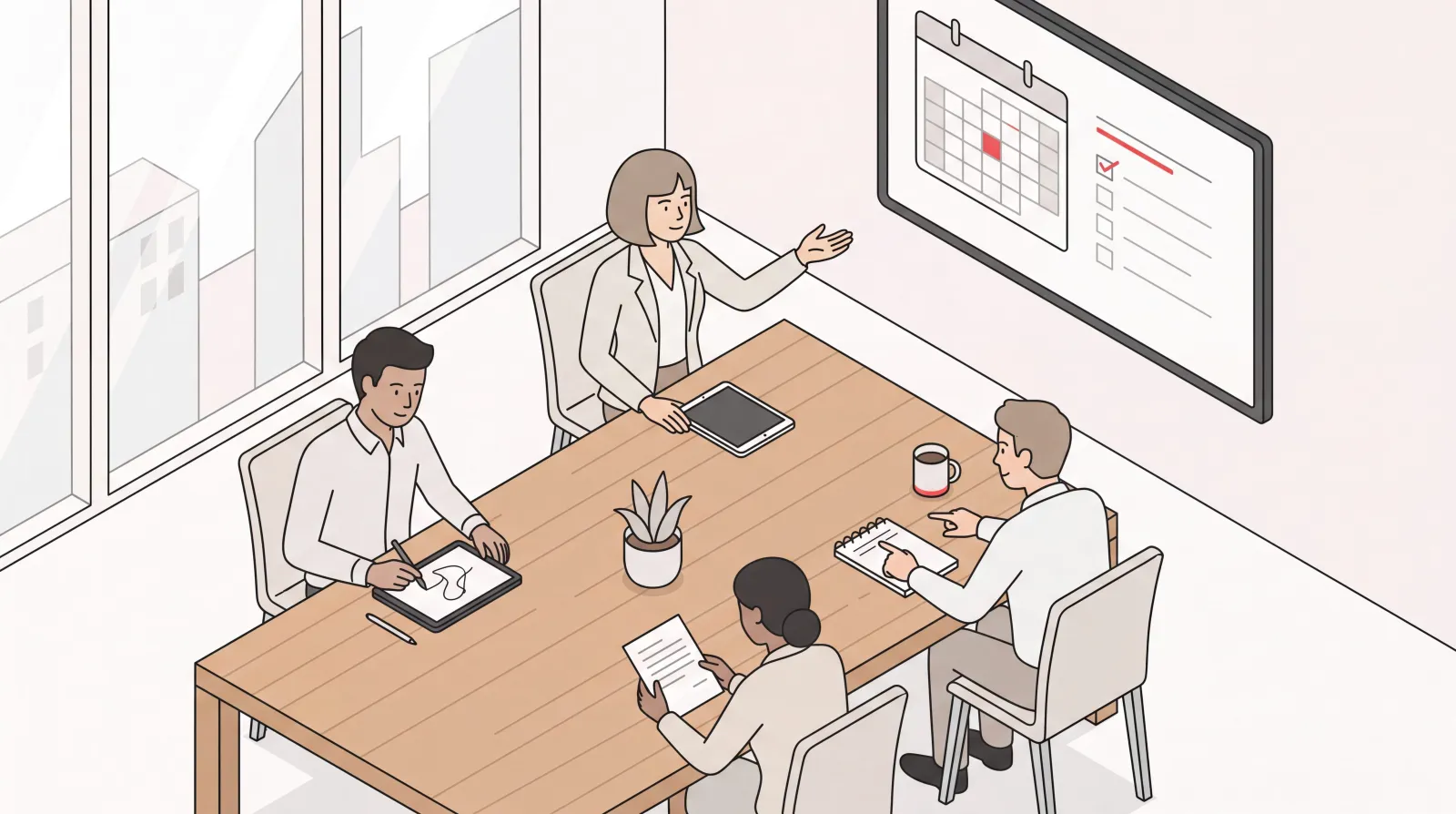
A meeting that’s truly led ends with three things: a decision (or a clearly named non-decision), an owner for every next step, and less follow-up work than if the meeting had never happened. A meeting that’s merely held ends with “great, let’s circle back.”
The difference isn’t charisma. It’s structure plus follow-through. McKinsey’s research on effective meetings puts it bluntly: if you can’t describe why you’re holding a meeting in a sentence or two, you probably don’t need the meeting at all. Leading a meeting starts well before the meeting starts, with the decision to have it in the first place.
So before we get into the room, look hard at the part everyone skips.
Step 1: Decide whether the meeting should exist
The best meeting leaders cancel meetings. Aggressively.
Go through your recurring calendar and ask one question of every standing block: is this happening because it’s useful, or because it’s always happened? Half of them are pure habit. A status update that could be a three-line message. A “sync” that’s really just two people who need to talk while six others watch.
Here’s a quick test before you send any invite:
- Can this be a message instead? If the goal is to inform, write it down and send it. Reading is faster than listening.
- Is there a real decision on the table? If nobody has to decide anything, you’re hosting a presentation, not a meeting - and presentations can be recorded.
- Are the right people available, and only the right people? Every extra attendee multiplies the cost and dilutes the focus.
Protecting your team’s time is part of how you lead. Nobody became a leader to sit in meetings that didn’t need to happen.
Step 2: Build an agenda that forces a decision
The agenda is where most “I’m great in the room” executives quietly lose. A list of topics is not an agenda. An agenda is a sequence of decisions with time attached.
For each item, write it as the outcome you want, not the subject:
- Weak: “Q3 budget.”
- Strong: “Decide whether to move the Q3 marketing spend into paid acquisition - 15 minutes.”
That one shift changes how everyone prepares. People walk in knowing a call is coming, not expecting to wander around a topic. A strong meeting agenda also pins rough time to each item and, for bigger meetings, a facilitator for each segment so the conversation doesn’t pile onto one person.
Then send it ahead of time. Not five minutes before. The night before, or earlier. People who’ve read the agenda show up ready to contribute instead of catching up. It’s the single highest-return habit in this whole playbook, and it’s also the one most leaders are too busy to do consistently.
That last part - “too busy to do it consistently” - is exactly where this stops being a willpower problem and becomes a delegation problem.
Step 3: Delegate the prep, not just the scheduling
Meeting prep is real work, it recurs constantly, and most of it doesn’t actually require you. Building the agenda from the last meeting’s open items, pulling the relevant brief from your project tool, reminding attendees of what they owe, confirming the right people are actually coming. That’s an hour a week of pure admin sitting between you and a well-run meeting.
This is the part of my own day I handed off to Catch. Catch is an AI Executive Assistant that handles the admin around your meetings end to end, across email, calendar, Slack, WhatsApp, iMessage, and phone. For meeting prep specifically, it does the work a sharp human assistant would:
- Pulls your briefs from connected tools like Notion, Asana, or your CRM before the meeting, so you walk in knowing where things stand.
- Reminds you of pre-meeting to-dos - the thing you said you’d send, the doc you promised to review - before the meeting starts, not after.
- Surfaces what’s outstanding by asking a relevant clarifying question when context is missing, instead of letting you find out live.
The point isn’t the tool. The point is that prep is what makes leading a meeting look effortless, and prep can be handed off. Whether you give it to a person or to software, stop carrying it yourself. If you want to go deeper on the coordination side, we’ve written separately about how AI scheduling tools handle the calendar logistics so you’re not the one playing calendar Tetris.
Step 4: Open the meeting like you mean it
The first 60 seconds set the tone for everything after. Use them.
- State the purpose in one sentence. “We’re here to decide X.” Not a recap of why everyone’s busy.
- Name the outcome you need before you leave. A decision, a plan, an assignment - say it out loud.
- Confirm the time. “We’ve got 30 minutes.” A stated clock changes behavior more than any agenda line.
This is also where you set the ground rules: phones down, one conversation at a time, and the person who has the floor keeps it until they’re done. You don’t have to be a drill sergeant about it. You just have to be the person who obviously cares whether this is a good use of everyone’s hour.
Step 5: Facilitate - your job is the room, not the content
The biggest mistake senior people make is treating their own meeting as a chance to talk the most. It isn’t. When you’re leading, your job is to manage the conversation, not dominate it.
Good facilitation looks like:
- Pulling in the quiet expert. The person who knows the most often says the least. “Sarah, you’ve lived this - what are we missing?”
- Cutting the spiral. When two people are relitigating something that isn’t on the agenda: “Let’s take that offline - who owns figuring it out?” Then write down the owner.
- Protecting the clock. When an item runs long, name the choice: “We can keep going on this and drop the next item, or decide now with what we have. Which one?”
- Forcing the decision. Before moving on, say it plainly: “So the decision is X, owned by Mark, due Friday. Everyone good?” Silence is not agreement - ask.
The leaders who run effective meetings aren’t the most talkative. They’re the most decisive about other people’s time.
Step 6: End with owners, not “thanks everyone”
A meeting without named next steps is a meeting you’ll repeat. Spend the last five minutes locking in:
- What was decided (in one line each).
- Who owns each next step (one name per item - “the team” is not an owner).
- When it’s due (a real date).
Say it back to the room before anyone leaves. The act of stating it out loud is what makes it stick, and it gives people a chance to object while everyone’s still present.
Step 7: The follow-up is the meeting
Here’s the part almost everyone gets wrong: the meeting isn’t over when people leave. The decisions you made are worth exactly as much as the follow-through, and follow-through is where good intentions go to die.
Within the hour, the room needs a short recap of decisions, owners, and due dates. Then someone has to actually chase the open items. Nudge the person who owes the doc, flag the deadline that’s slipping, remind the attendee who went quiet. None of that is glamorous, which is exactly why it so often doesn’t happen.
This is, again, where I lean on delegation. Catch acts like a project manager on my follow-ups. It tracks outstanding threads, weighs which ones genuinely need a nudge, and reminds me when someone important hasn’t replied (“John hasn’t responded yet”) - judging each thread on what actually matters rather than chasing everything on a fixed timer. It’ll draft and send the follow-up where that makes sense, and surface the ones that need my call. The meeting’s decisions don’t quietly evaporate because everyone got busy.
You don’t need software to do this. You need someone to do this, reliably, every time. If that someone is you, block the time. If it isn’t, delegate it for real - meaning the follow-up actually gets sent, not left as a draft you’ll “get to.”
A note on cost, since we’re talking about leverage
The bottleneck around meetings, for a lot of executives at mid-market companies, is the recurring admin - not the strategic judgment. That admin can go to an AI Executive Assistant for a flat $99 a month, no per-call fees. Catch handles the traditional assistant work end to end - the calendar, the prep, the chasing, the real calls and bookings - so you spend your hours leading the meeting rather than staffing it. The traditional admin role is fully covered; the person who used to do it is free to grow into the operational and in-person work that still needs a human.
History isn’t made in the inbox, and it isn’t made formatting agendas either. Your time belongs in the room, with the rest handed off.
Frequently Asked Questions
How do I lead a meeting effectively?
Lead a meeting by deciding whether it needs to happen, building an agenda framed around decisions rather than topics, opening with a clear purpose and time limit, facilitating instead of dominating the conversation, and ending with named owners and due dates. The follow-up afterward matters as much as the meeting itself.
What makes a meeting agenda effective?
An effective meeting agenda lists outcomes, not subjects: “decide whether to shift Q3 spend” instead of “Q3 budget.” Put rough time against each item, name a facilitator for larger meetings, and send it the night before so attendees arrive prepared rather than catching up in the room.
How long should a meeting be?
Most working meetings should be 25 to 50 minutes, and many “30-minute syncs” can be shorter or replaced with a written update. Stating the time limit at the start changes behavior more than the length itself. Reserve longer blocks only for genuine decisions or deep discussion.
How do I keep a meeting on track?
Protect the clock out loud, cut tangents by moving them offline with a named owner, and force decisions before advancing: “the decision is X, owned by Mark, due Friday, everyone good?” Your job as the leader is to manage the conversation, not to talk the most.
Who should own action items after a meeting?
Every action item needs exactly one named owner and a real due date - “the team” is not an owner. State each decision, owner, and deadline out loud before anyone leaves so people can object while they’re still in the room, then recap it in writing within the hour.
Why do my meetings keep repeating themselves?
Meetings repeat when no decision was named, no one owned the follow-up, or the recap and chasing never happened. The fix is end-of-meeting discipline - decisions, owners, dates - plus reliable follow-through afterward, whether you handle it yourself or delegate it.
Should I cancel recurring meetings?
Yes, regularly audit standing meetings and cancel the ones running on habit rather than usefulness. If the goal is purely to inform, a written update is faster than a meeting. Protecting your team’s calendar from low-value recurring blocks is part of leading well.
How can I prepare for a meeting faster?
Delegate the prep. Pulling briefs from your project tools, reminding attendees of what they owe, and building the agenda from the last meeting’s open items is recurring admin that doesn’t require you specifically. A human assistant or an AI Executive Assistant like Catch can handle it so you walk in ready.
What is the most important part of running effective meetings?
Follow-through. The decisions you make are worth only as much as the action that follows, and chasing open items is where most good intentions die. A disciplined recap and reliable nudging on outstanding tasks is what separates meetings that move things forward from meetings that just happen.
How does Catch help with meetings?
Catch is an AI Executive Assistant that handles the admin around your meetings end to end - pulling pre-meeting briefs, reminding you of to-dos, flagging what needs your attention, and scheduling and rescheduling across calendars. It handles your email with judgment too, chasing quiet threads when one genuinely needs a nudge. It works across email, calendar, Slack, WhatsApp, iMessage, and phone for a flat $99 a month, no per-call fees.
Sources:
Keep reading
Related posts
Online Scheduling Tools: What Each Type Actually Does
There are five distinct kinds of online scheduling tool, built for five different problems. This guide defines each category, what it was designed to solve, and who it fits.
What Is Block Scheduling? How It Works and Why Blocks Collapse
What block scheduling is, how it differs from time blocking and task batching, how to build one that works, and the real reason so many blocks collapse by mid-morning.
Scheduling Software That Integrates With Outlook: What to Look For
Every scheduling tool claims Outlook support, and they mean very different things by it. Here is how to test integration depth before you buy, plus the failure points that show up in week three.