Meeting Request Emails: The Thread After You Hit Send
Writing the meeting request email takes four minutes. Getting the meeting booked takes a week. The request wording, plus the reply thread, time zones, and reschedules that follow it.
On this page
- A meeting request email is one message out of about eight
- How to write a meeting request email
- Meeting request email sample: first contact
- Meeting request email sample: someone senior
- Request a meeting by email internally
- Then the thread starts
- The reply that offers three times you can’t take
- The time zone arithmetic
- The attendee who never answers
- The two reschedules
- The invite that has to carry the right link
- What this actually costs
- Handing the whole thread over
- Frequently Asked Questions
The meeting request email is the fastest part of getting a meeting. Four or five minutes of writing. Landing a time that both people actually keep tends to eat a week, and barely any of that week involves writing.
I’m Nir Sabato, co-founder of Catch. Scheduling is the thing executives hand us more than anything else, and the handoff is almost never “write this email.” It’s “make this meeting happen.” Those are different jobs, and the second one is where the hours disappear.
So this guide covers both. The wording first, then the part almost nobody writes guides about: the thread that kicks off the second you hit send.
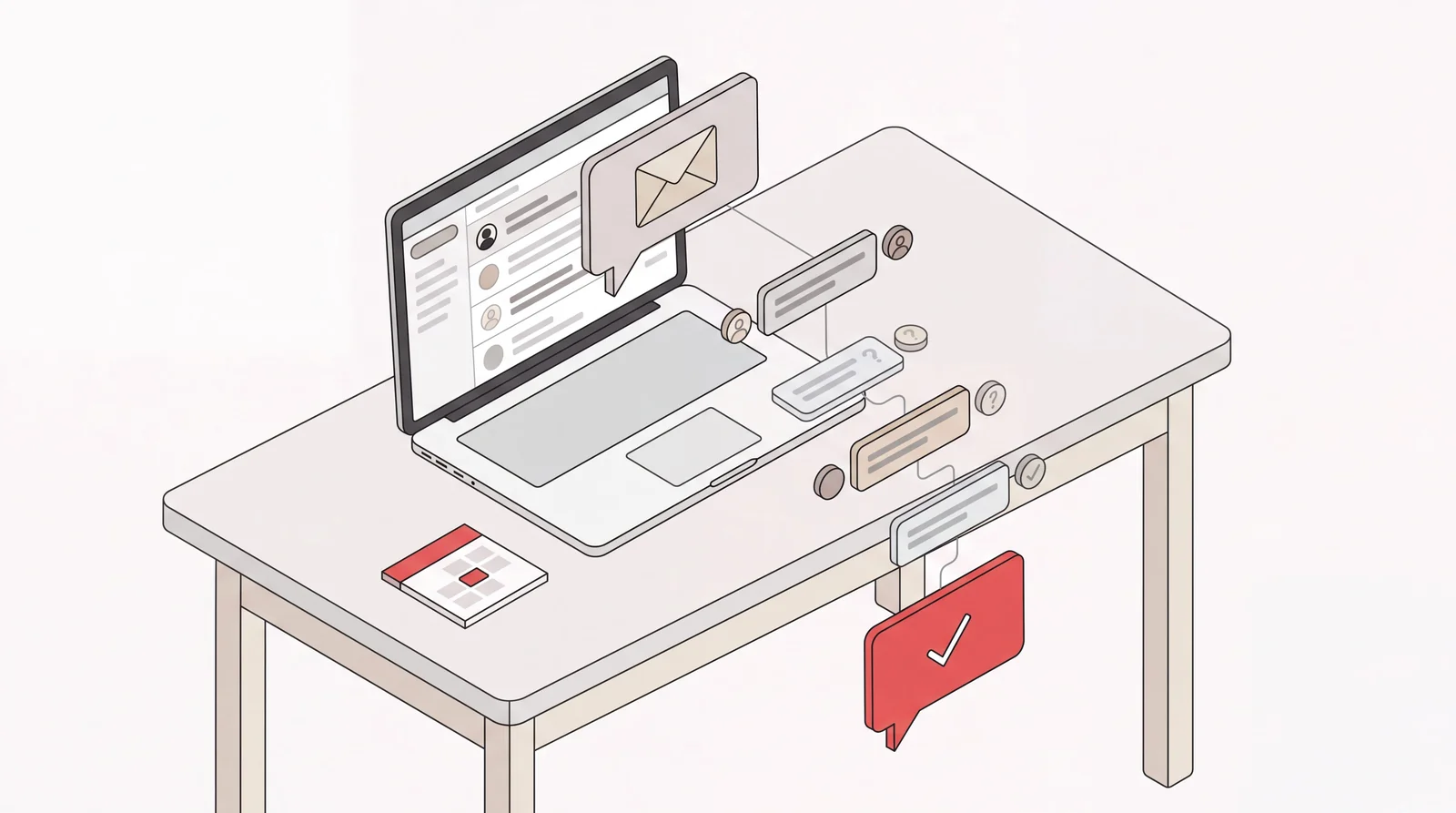
A meeting request email is one message out of about eight
Here’s the realistic message count for a single 30-minute external meeting between two busy people:
- Your request, proposing three times.
- Their reply. None of your three work. Here are three of theirs.
- Your reply. One of theirs is survivable, or none are and you propose again.
- Their confirmation.
- The calendar invite you send.
- Their reply asking whether it’s a video call or a phone call, or telling you the link doesn’t open.
- The reschedule request, two days out.
- The second invite.
Eight touches across five or six days, every one of them a small interruption that shows up while you’re in the middle of something else. Add a third attendee and it roughly doubles, since a window that works for two people rarely works for three. Add a time zone and now there’s arithmetic. Add an executive assistant on the other side and you’ve added a relay.
The request is message one. It matters, and writing it well does shorten the thread. But it’s roughly an eighth of the work, which is worth knowing before you spend twenty minutes on a subject line.
How to write a meeting request email
A good meeting request email does four things. It names the meeting in the subject line. It gives one reason the meeting is worth taking. It proposes specific times with a time zone attached. And it leaves exactly one thing for the other person to do.
That last one is where most requests fall apart. “Let me know what works for you” hands the recipient an open calendar and a scheduling problem to solve. “Tuesday 10 a.m. or Thursday 2 p.m., both Eastern” hands them a yes or a no.
On subject lines. Name the meeting, not your desire for one. “Pricing review, 30 min” tells the recipient what the thread is about every time it resurfaces in their inbox over the following five days. “Quick chat?” tells them nothing, including on message six when they’re hunting for the thread again.
Meeting request email sample: first contact
Subject: Intro call, 20 min
Hi Mark,
I’m Nir, co-founder at Catch. You mentioned on the ops panel last week that your team lost most of a quarter to manual scheduling. We solved a version of that problem and I’d like to compare notes.
Twenty minutes, either Tuesday at 10 a.m. or Wednesday at 3 p.m., both Eastern. If neither works, send me two times and I’ll take one of them.
Nir
Meeting request email sample: someone senior
Subject: 15 min on the Q1 renewal
Hi John,
I’d like 15 minutes before the end of the month to walk you through the renewal terms and the one decision I need from you. Everything else I can handle without you.
Thursday or Friday afternoon, any time after 1 p.m. Eastern, whatever suits your calendar. I’ll send the invite as soon as you pick.
Nir
Notice what the senior version does differently. States the length. States the single decision required. Then tells them outright that the rest isn’t their problem. The scarcer someone’s time, the more a meeting request email example like this should be about what you aren’t asking them for.
Request a meeting by email internally
Subject: 30 min this week, hiring plan
Hi Mark,
Can we take 30 minutes this week on the Q1 hiring plan? I want to settle the two senior roles before the board update.
I’m open Tuesday morning and most of Thursday. Grab whatever’s free on my calendar and I’ll make it work.
Nir
When you request a meeting by email internally you can be shorter, and you can lean on shared calendar visibility to do the scheduling for you. Externally you can’t, which is why external threads run to eight messages and internal ones wrap up in two.
Then the thread starts
Five things happen after you hit send. Each one is small. Stacked together, they’re the real cost of the meeting.
The reply that offers three times you can’t take
This is the most common reply to any meeting request email, and it isn’t a rejection. It’s a counter-offer, usually produced by someone glancing at their own calendar without ever looking at yours. One of their three lands on your board prep. One is at 7 a.m. your time. One is technically free but wedged between two other calls in a day that’s already packed.
So now you’re doing the exact work the request was meant to prevent. You open your calendar. You weigh whether the 7 a.m. is worth it. You decide whether to counter again or just eat the bad slot. Then you write message three.
What helps on your side: propose times you’d genuinely keep, not times that happen to be blank. A slot you offer and then have to move is worse than one you never offered.
The time zone arithmetic
Nine in the morning in New York is 6 a.m. in San Francisco and 2 p.m. in London. Everyone knows this. Everyone still gets it wrong, because the conversion happens mid-sentence while you’re thinking about something else.
Two things make it worse. First, “Tuesday at 2” with no zone attached is a guess the recipient has to make, and sometimes they guess wrong and turn up an hour late to their own meeting. Second, the US and Europe change their clocks on different dates, so for roughly a week each autumn the gap between New York and London is four hours rather than five. Book across that week out of habit and the meeting lands an hour off.
Write the zone. Every time. Write it in the invite too, not just the email.
The attendee who never answers
Three-person meetings stall on one person. Not a refusal. Just silence. The other two sit waiting, the window you were holding quietly closes, and now the thread needs a nudge that reads as polite rather than impatient.
Then comes a decision you’d rather not make: wait another day, move without them, or book it anyway and let them decline. None of the three is comfortable, and that hesitation is why the thread stays open for four days while two people who both said yes still don’t have a meeting.
The two reschedules
A meeting booked more than a week out often gets moved, sometimes twice. Something heavier lands on the other person’s calendar, and the request arrives two days before.
Every reschedule restarts the whole sequence. New times proposed, availability rechecked, a new invite sent, plus the quiet risk that the old invite stays on somebody’s calendar and they join an empty room. By the time the meeting finally happens, you’ve likely spent more time scheduling it than sitting in it.
The invite that has to carry the right link
The last message is the one people treat as an afterthought, and it’s the one that breaks the meeting. The invite has to carry the right conference link, the right duration, the right attendee list, the right time zone. A room booking if anyone’s in the office. A dial-in if someone will be in a car.
Get the link wrong and all eight messages were for nothing. Meetings fail at 10:02 a.m. with both people sitting in separate video calls, messaging each other to ask where the other one is.
What this actually costs
Eight messages, call it three minutes each once you factor in the calendar-checking. Under half an hour of typing. That isn’t the cost.
The cost is that those eight messages land across six days, each one yanking you out of something that needed your full attention. The cost is the meeting sliding nine days to the right because message three sat in your drafts overnight. The cost is that you’re an executive doing calendar arithmetic any competent assistant would have quietly handled without ever mentioning it.
Now multiply that by however many meetings you’re trying to book this month.
Handing the whole thread over
This is the part of the job Catch takes. Not the writing. The whole thread.
Catch exists to take the admin off your plate, and with scheduling that means you say “get me 30 minutes with Mark about pricing this week” in Slack, by message, or on a call, and then you’re out of it. Catch writes the request from what it knows about you and the relationship, sends it from your inbox, and handles whatever comes back. That counter-offer with three bad times gets weighed against your real calendar and your actual preferences, not just the empty space on it. The time zone gets converted once, correctly, and written into both the email and the invite.
When the third attendee goes quiet, Catch judges whether that particular thread warrants a nudge today and sends it, rather than nudging on a fixed interval. When the reschedule request comes in, Catch reopens the thread, finds a new time, and updates the existing invite in place, so nobody’s left holding the old one. When someone sends you their own scheduling link, Catch reads the open slots and books one based on your availability and how urgent the thing is, instead of letting the link sit in your inbox for a week. And where email has clearly stalled and a call would settle it faster, Catch can place that call, identifying itself as an AI assistant.
The invite then goes out with the conference link, the duration, the attendee list, and the zone already right, since that’s the message that decides whether any of the rest mattered.
What you see is a meeting on your calendar. You don’t see messages two through seven, because they were never yours to read.
A few practical things before you hand over your calendar. Catch connects to Gmail or Outlook through a standard sign-in, and works with Google Calendar or Outlook Calendar. Setup runs under three minutes and there are no workflows to build. It’s SOC 2 Type II, a Google Verified app, and your data is hosted in the US. Early on it checks with you before acting, then takes on more by itself as it learns how you like things handled, the way a new assistant would.
Scheduling is one slice of what it covers. The same assistant triages and drafts your email, flags what needs you and reminds you of what’s coming, books restaurants, makes real calls, and helps eligible customers with supported business flights and hotels in the travel beta, with approval before purchase or rebooking. Travel charges and supplier fees are separate. Pricing is flat: $99 a month, voice calls included, no credits, no usage tiers, no per-call fees. There’s a 10-day free trial, which is enough to watch it run a few scheduling threads end to end.
The samples above are worth using. If most of your scheduling time still goes to the messages that follow them, the wording is not what needs fixing.
Frequently Asked Questions
What is a meeting request email?
A meeting request email is a message asking someone for a specific block of their time. A good one names the meeting in the subject line, gives one reason it’s worth taking, proposes specific times with a time zone, and leaves the recipient a single decision to make.
How do you write a meeting request email?
Name the meeting in the subject, say why in one sentence, propose two or three specific times with the zone attached, and close with one clear way to say yes. Skip “let me know what works for you,” which hands your scheduling problem to someone else and usually adds three messages to the thread.
What should the subject line of a meeting request email be?
Describe the meeting, not your wish for one. A meeting request email subject like “Pricing review, 30 min” works because it stays readable every time the thread resurfaces over the following week. “Quick chat?” leaves the recipient nothing to recognize the thread by on day four.
How long should a meeting request email be?
Four to six sentences externally, two or three internally. What really matters is the size of the decision you’re asking for, not the length of the message. If the recipient has to read twice to work out what you want, it’s too long.
How do I request a meeting by email with someone senior?
Lead with the time you need and the one decision you need from them, and say plainly what you’re handling without them. Offer a window instead of exact slots so their assistant or their calendar can do the placing, and commit to sending the invite yourself once they pick.
Should I propose times or ask for their availability?
Propose times, and only ones you’d genuinely keep. Open-ended availability questions get slow replies because they create work for the other person. Offering a slot you later have to move costs you more credibility than never offering it.
How many times should I follow up on a meeting request email?
Once or twice usually, spaced a few days apart, on the original thread rather than a new one. The better question isn’t how many but whether this particular thread is still worth a nudge, which depends on who it is and what’s riding on the meeting, not on a fixed interval.
What do I do when an attendee never replies to a meeting request?
Decide early whether the meeting needs them or merely includes them. If it needs them, nudge once and hold the window. If it doesn’t, book it with the people who confirmed and let the silent attendee accept or decline the invite.
How do I avoid time zone mistakes when scheduling by email?
Write the time zone in every message and in the calendar invite, not just the first email. Watch the stretches in spring and autumn when the US and Europe change clocks on different dates: the usual gap between cities shifts for a week in autumn and for two to three weeks in spring, and meetings booked from habit land an hour off.
Can an AI assistant handle meeting requests for me?
Yes. Catch writes and sends the request, runs the replies, picks a time against your real calendar and preferences, handles reschedules, and sends the invite with the right conference link, so you see the booked meeting rather than the thread. It costs $99 a month flat with a 10-day free trial.
Keep reading
Related posts

Meeting Reminders: Why They Get Ignored and What Works Instead
A meeting reminder only solves forgetting. This guide covers the four reasons people miss meetings, the ladder from reminder to reschedule, and the wordings that get a reply.
Calendar Management for Executive Assistants: Own vs. Automate
Calendar management for executive assistants, split three ways: the judgment calls the executive owns, the mechanical work software should carry, and the grey middle in between.

Online Scheduling Tools: What Each Type Actually Does
There are five distinct kinds of online scheduling tool, built for five different problems. This guide defines each category, what it was designed to solve, and who it fits.