AI Personal Assistant App: What Actually Works on a Phone
What changes when an AI assistant lives on your phone, the three kinds of assistant app, what works on iPhone versus Android, and why the best option may not need an icon at all.
On this page
- What putting an assistant on a phone actually changes
- Three kinds of assistant app
- Built into the phone
- Chat apps
- Assistants that take action
- iPhone and Android are not the same experience
- The best assistant app might not be an app
- Where Catch fits
- Choosing by what you will actually do
- Frequently Asked Questions
- Get Started
Most articles about AI assistant apps are really articles about AI assistants, with the word app added. The distinction matters more than that.
A phone is a different machine from a laptop. The screen is small, you are usually walking, and the thing you want is rarely “have a conversation.” It is closer to: deal with this while I am in a lift.
So the useful question is not which assistant is cleverest. It is which one is any good when you have one hand free and forty seconds.
What putting an assistant on a phone actually changes
You are dictating, not typing. Anything that needs a carefully worded prompt loses most of its value on a phone. The assistants that work well on mobile are the ones you can talk to in a normal sentence.
Notifications become the interface. On a laptop you open the app. On a phone the app comes to you. That makes the quality of what it decides to interrupt you with more important than almost any other feature.
Context has to come from somewhere else. You are not going to paste a thread into a chat box on a phone. Either the assistant is already connected to your mail and calendar, or it cannot help with the thing you actually need.
Another icon is a cost. Every assistant that needs its own app is asking for a slot on your home screen and a new habit. Most of them do not survive the second week.
Three kinds of assistant app
Built into the phone
Siri with Apple Intelligence on iPhone, Gemini on Android. Always there, no install, genuinely convenient for setting a reminder, sending a text, or asking something hands-free while driving. Increasingly capable at summarising what is on screen.
Their limit is that they are consumer assistants. They will not triage a work inbox, coordinate a meeting across three calendars, or call a hotel about a late checkout. If your need is personal and immediate, they are the right tool and you already have them.
Chat apps
ChatGPT, Claude, Perplexity. Excellent on a phone for the things they are for: answering a question, drafting text, thinking something through, research. The mobile apps are good, voice input works well, and they are useful in the gaps of a day.
They answer rather than act. Ask one to reschedule tomorrow’s meeting and it will tell you how to reschedule tomorrow’s meeting.
Assistants that take action
The category that does the work rather than describing it. These connect to your calendar and inbox, then draft, send, schedule, book and call on your behalf. Some are narrow: Reclaim is time-blocking only, with a free Lite tier, then Starter at $10, Business at $15 and Enterprise at $22 per seat per month. Motion focuses on task and project planning at $29 per seat monthly for Pro AI and $49 for Business AI, or $19 and $29 billed annually, with a seven-day trial and no free plan.
This is the category where the app question gets interesting, because the best of them may not need an app at all.
iPhone and Android are not the same experience
On iPhone, Apple Intelligence and Siri are deeply integrated and privacy-conscious, with a lot handled on the device. Third-party assistants cannot reach as far into the system, so they work through their own app or through messaging.
On Android, Gemini is the built-in option and reaches further into Google’s apps: Gmail, Calendar, Docs. If your work already runs on Google, that integration is real and useful.
For work assistants the difference matters less than you would expect, because the good ones reach you through messaging rather than through platform APIs. Which brings us to the more useful way to think about this.
The best assistant app might not be an app
The assistants people actually keep using on a phone tend to be the ones that arrive through something already installed.
If an assistant reaches you in Slack, WhatsApp, iMessage or a plain phone call, then the interface question disappears. There is no icon to find, no new habit, no app you stop opening after a fortnight. You reply to it the way you reply to a person, and dictation works because messaging apps already handle dictation well.
That also solves the drafting problem. A draft sitting in your Gmail app is a thing you have to open, read on a small screen, edit with your thumbs and send. A draft in a message thread is a thing you can respond to with “make it shorter and push the meeting to Thursday” while walking.
Where Catch fits
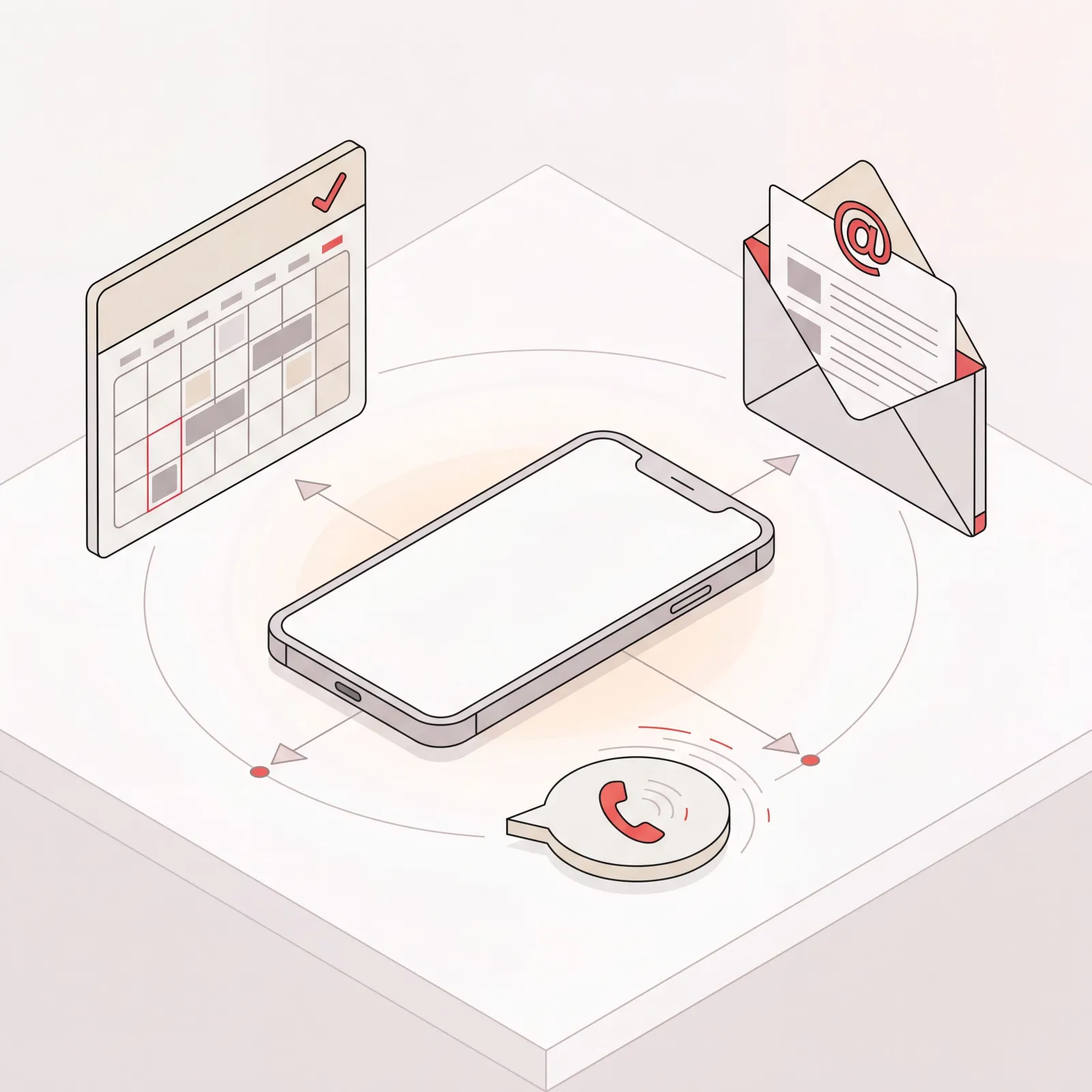
Catch is an AI executive assistant that works through the apps already on your phone. You reach it in Slack, WhatsApp, iMessage, by voice note, or by calling it, and it works the same way in each.
It connects to your calendar and inbox and handles the administrative work directly: triaging and answering mail, scheduling and rescheduling across parties, preparing what you need before a meeting, booking business travel end to end and managing the trip afterwards, and placing outbound calls when a call is the right tool.
Early on it checks with you before acting. As it learns how you decide, it handles more on its own, weighing what matters to you rather than following a rule you configured.
Two limits worth being straight about. It places outbound calls but does not answer your incoming ones. And travel means business travel, booked and actively managed, not leisure trips and not expenses or policy approvals.
Choosing by what you will actually do
Work backwards from the moment you will use it.
Standing on a platform, want tomorrow sorted. You need an assistant with access to your calendar and inbox that can act. A chat app cannot help here.
Middle of a document, need a paragraph rewritten. A chat app is exactly right, and the built-in phone assistants are getting close.
Driving, need a reminder set. Whatever is built into your phone. Do not install anything.
Between meetings, forty unread messages. This is the case that decides most purchases. You want the important three surfaced and the rest handled, which needs an assistant connected to the inbox and trusted to act, not one that offers to help you write a reply.
If you want the fuller comparison of tools for work rather than for the phone specifically, our guide to the best AI executive assistant covers scope and pricing in more detail, and there is a version aimed at smaller teams.
Frequently Asked Questions
What is the best AI personal assistant app?
It depends which job you mean. For hands-free personal tasks, the assistant built into your phone. For questions and drafting, a chat app like ChatGPT or Claude. For administrative work that needs doing rather than discussing, an assistant connected to your calendar and inbox, such as Catch at $99 a month.
Do I need to install an app?
Not necessarily, and often it is better not to. Assistants that reach you through Slack, WhatsApp, iMessage or a phone call avoid the home-screen slot and the new habit entirely.
Can an AI assistant app read my email?
Only if you connect it. That connection is what separates an assistant that can act from one that can only advise, so it is the point of the exercise rather than a side effect.
Is Siri or Gemini enough?
For personal tasks on your own phone, often yes. For work administration, no. Neither will triage a work inbox, negotiate a meeting time with someone outside your company, or call a hotel on your behalf.
Can a phone assistant make calls for me?
Catch places outbound calls, such as booking a restaurant or arranging a late checkout, with no per-call fee. It does not answer your incoming calls.
How much do these cost?
The built-in assistants are free with the phone. Chat apps run from free to about $20 a month. Assistants that do administrative work end to end are more, and Catch is a flat $99 a month with no credits and no per-call fees.
Get Started
Connect your calendar and inbox, then hand over one thing you would normally do on your phone between meetings. Morning inbox triage is the usual starting point.
10-day free trial, then a flat $99 a month.
Keep reading
Related posts

What Does an Executive Assistant Do? Full Scope of the Role in 2026
A complete answer to what an executive assistant does: calendar ownership, inbox triage, meeting prep, travel, documents, and the judgment that makes the role hard to hire for.

Voice AI Agents: What They Actually Do for Business in 2026
An explainer on voice AI agents: how the listen-decide-act loop works, the three distinct products the category covers, and which one fits the job you are trying to hand off.

The Best AI Calendar Assistants in 2026 (Ranked)
A fair, factual ranking of the best AI calendar assistant tools in 2026 - what each one actually does with your calendar, who it fits, and what it costs.