iMessage AI Assistant: Run Your Admin From iMessage With Catch
Run your entire admin workload from the blue bubbles you already use. Catch is an AI assistant for iMessage that schedules, triages email, and books on your behalf.
On this page
- iMessage Is Where You Already Live, But It Wasn’t Built to Run Your Day
- What Catch Adds to iMessage
- The iMessage API Question, and Apple’s 24-Hour Rule
- Getting Connected
- Scheduling and Calendar Work
- Email Triage From the Thread
- Bookings and Real-World Calls
- Voice Notes
- Who This Integration Is For
- What Changes for You
- Frequently Asked Questions
- Get Started With Catch on iMessage
iMessage Is Where You Already Live, But It Wasn’t Built to Run Your Day
iMessage is probably the most-used app on your phone, and it earns that spot. It’s fast, it’s clean, it threads conversations the way your brain actually works, and it carries voice notes, photos, and links without you ever thinking about it. For a lot of executives, it’s the first thing they open in the morning and the last thing they glance at before bed.
But iMessage was built for talking to people, not for getting things done. Apple hands you a fast, secure messaging layer and stops there. There’s no public iMessage API for businesses, no native way to wire your calendar, your inbox, or your booking tools into a thread. The blue bubbles carry a message beautifully. They were never meant to act on one.
That’s the gap. You already type “can you move my 3pm” to a hundred different people. You just can’t type it to something that’ll actually go and do it.
What Catch Adds to iMessage
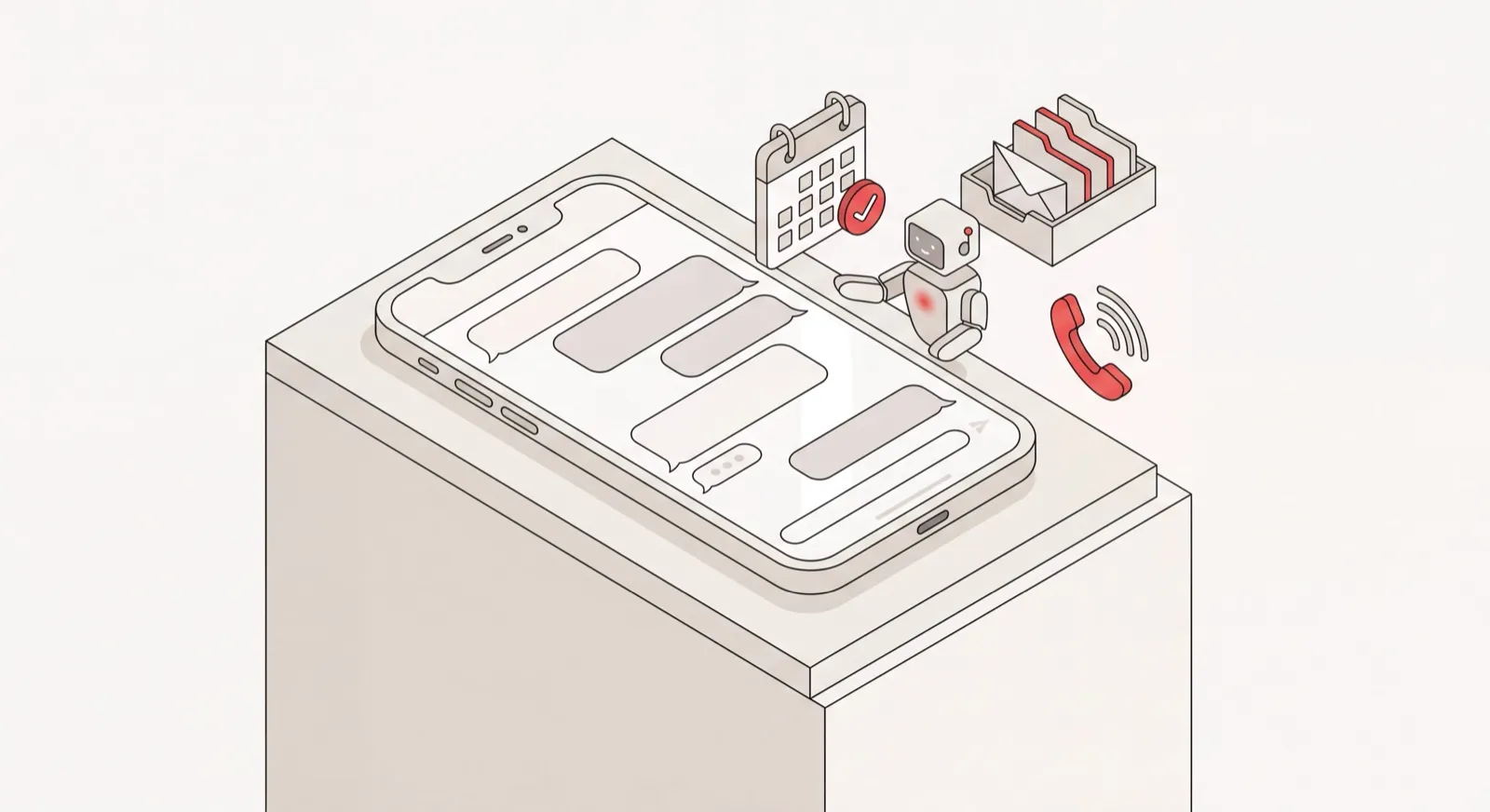
Catch is an iMessage AI assistant that runs your admin from inside the app you already keep open all day. It’s the kind of AI executive assistant built for executives at US mid-market companies, and iMessage is one of the channels you use to talk to it. You text Catch the way you’d text a chief of staff: “Book me a table for four at 7 tomorrow,” “Did John ever reply?”, “Find 30 minutes with the board next week.” It reads the request, acts on it across your real tools, and texts you back once it’s done.
Here’s what Catch actually is. It’s an AI assistant, and it always says so. No human pretending to be a bot, no bot pretending to be a human, and definitely not a canned-reply machine. It’s a proactive agent that connects to your Gmail or Outlook, your calendar, and the rest of your stack, then handles the work end to end. On iMessage, that means the same thread you use for everything else becomes the place where scheduling gets resolved, email gets triaged, and reservations get made.
Catch doesn’t replace iMessage, and it doesn’t replace your tools either. It works on top of both. Your project management stays in Asana or Notion, your CRM stays in HubSpot or Zoho, and Catch reaches into them when it needs to. It integrates with your stack instead of asking you to move off it.
The iMessage API Question, and Apple’s 24-Hour Rule
One detail worth being upfront about, since it shapes how the thread behaves: Apple enforces a 24-hour rule on business messaging. If you and Catch haven’t traded a message in the past 24 hours, the conversation has to be reopened with a template message before free-form chat picks back up. Inside that window, though, there are no restrictions. You text naturally, Catch replies naturally, back and forth, no friction.
In practice this is almost invisible for the people Catch is built for. Executives with a real admin load are messaging Catch several times a day, so the window rarely lapses. And when it does, say after a quiet weekend, Catch just reopens with a template and you’re straight back to normal conversation. It’s a platform rule, not a limitation of the assistant, and Catch plays by it instead of trying to route around it. That’s on purpose: Catch doesn’t lean on grey-area tricks that break platform terms and put your account at risk.
Getting Connected
Setup runs under three minutes and happens entirely in messages. You text a dedicated Catch number, enter a verification code, and save Catch as a contact. Behind the scenes, it connects to your email and calendar. After that, you text Catch like any other contact in your thread list.
Scheduling and Calendar Work
Text Catch “find an hour with the leadership team Thursday or Friday” and it checks everyone’s availability, proposes times, and sends the invites, working like an AI scheduling assistant that runs inside your thread. Need a scheduling link? “Make a link for me and Mark, mornings only, next week” gets you one back in seconds. And when a conflict crops up on your calendar, Catch doesn’t just flag it and leave you to deal with it. It reaches out to the other party to reschedule, then tells you it’s sorted.
Email Triage From the Thread
Catch reads and prioritizes your inbox in the background, then surfaces only what actually needs you, right there in iMessage. That background AI inbox management means you only see the threads that matter. “A client just asked for a 30% discount, want me to draft a reply?” You answer in the thread, Catch drafts, sends, and follows up. Which threads get a nudge comes down to priority and context, not some rigid “follow up after two days” rule.
Bookings and Real-World Calls
Ask Catch to book a restaurant or sort out a late hotel checkout, and it places the actual phone call on its own line, identifies itself as an AI agent, then confirms back to you over iMessage. You never pick up the phone, and you never leave the thread.
Voice Notes
iMessage carries voice notes, and Catch handles them fine. Tap and talk: “remind me to prep the QBR deck before Monday, and check if the venue confirmed.” Catch transcribes it, figures out what you meant, and acts. It’s the fastest way to offload three things while you’re walking between meetings.
Who This Integration Is For
- Executives who live in iMessage and want their admin handled in the same place they already message everyone else.
- CEOs, VPs of Sales, and Operations leaders at companies of 30 - 200 people carrying a genuinely heavy admin load: calendar Tetris, inbox overload, the constant coordination that never quite ends.
- Founders who want to hand off scheduling, email, and bookings without hiring, training, or managing a person to do it.
- Anyone who’d rather text a request than open five apps just to move a meeting or book a table.
What Changes for You
- Before: You open your calendar app, find a time, copy it into an email, and wait. After: You text Catch “find time with the board next week” and it sends the invites.
- Before: You scroll your inbox hunting for what’s urgent. After: Catch texts you only the emails that actually need you.
- Before: You step out of a meeting to call the restaurant yourself. After: Catch makes the call and confirms over iMessage.
- Before: A single reschedule turns into three back-and-forth emails. After: Catch contacts the other party and resolves it without you.
- Before: Admin requests pile up in the back of your head. After: You voice-note them to Catch and they’re handled.
Frequently Asked Questions
What is an iMessage AI assistant?
It’s software you talk to through iMessage to get work done, rather than only messaging other people. Catch is an iMessage AI assistant that connects to your calendar and email and handles your admin from inside the thread: scheduling, triage, bookings, calls. It always identifies itself as an AI, never as a person.
Is there an iMessage API I need to set up?
No. There’s no public iMessage API for you to configure, and you won’t touch any developer setup. Catch handles the messaging connection on its end. You just text a dedicated Catch number, enter a verification code, and save it as a contact. The whole thing takes under three minutes.
What is Apple’s 24-hour rule and how does it affect me?
Apple requires that if you and Catch haven’t exchanged a message in 24 hours, the conversation reopens with a template message before free chat resumes. Inside that window, messaging is unrestricted. For executives texting Catch throughout the day, the window rarely lapses, so most of the time you’ll never notice it.
Do I need to stop using iMessage for anything else?
Not at all. Catch lives in iMessage alongside every other conversation you have. It’s one more contact in your thread list. You keep using iMessage exactly as you do now, and Catch just adds the ability to get admin done there too.
Is Catch a bot?
No. Catch is a proactive AI agent that learns your priorities, relationships, and preferences, then acts across your real tools end to end. It isn’t a canned-reply bot or a scheduling widget, and it’s upfront that it’s an AI every single time.
Is my data secure if I connect Catch over iMessage?
Yes. Catch is SOC 2 Type II certified and a Google-verified app. Your data is hosted on US soil and never used to train third-party models. Catch won’t act without your approval, and it won’t expose your details to anyone but you.
Can Catch handle the voice notes I send on iMessage?
Yes. Voice notes are fully supported. You can talk your requests to Catch instead of typing them, and it’ll transcribe, understand, and act on them. Handy when you’re between meetings.
Does Catch replace my project management or CRM tools?
No. Catch integrates with Asana and Notion for project work, and with HubSpot and Zoho for CRM. It reaches into them to close tasks, update deals, or pull briefs, rather than replacing them. You keep your stack; Catch just operates across it.
How much does Catch cost, and are calls extra?
Catch is a flat $99/month with a 10-day free trial. Voice calls, both the ones Catch makes for you and the ones you have with it, are included in that flat price. No credits, no usage tiers, no per-call fees.
Can Catch make real phone calls from an iMessage request?
Yes. Text Catch something like “book a table for four at 7” and it’ll place the actual phone call on its own line, identify itself as an AI agent, and confirm the result back to you over iMessage. You never make the call yourself.
Get Started With Catch on iMessage
You already run half your life out of iMessage. Catch lets you run your admin from there too: scheduling, email, bookings, and calls, all handled in the same thread you already keep open. Nothing about how you use iMessage changes. You just pick up an assistant that actually does the work. Setup takes under three minutes. Get Started and text your first task today.
Keep reading
Related posts
AI Assistant for Microsoft Teams Users: Delegate Your Admin
Catch is an AI assistant for executives who run on Microsoft Teams and Outlook. It connects to your Outlook email and calendar and handles scheduling, inbox, briefings, and bookings end to end.
Notion and Google Calendar: Keep Plans and Calendar in Step
What connecting Notion and Google Calendar actually does, where it stops, and how Catch works across both — turning what you planned in Notion into booked time and moving it when things change.
Google Calendar AI Assistant: Delegation, Not Just Scheduling Links
What a Google Calendar AI assistant should actually do: read the context around a meeting, book and move things end to end, handle the back-and-forth, and confirm by email or phone.