Integrations
In the tools you
already work in.
How Catch connects to your calendar, inbox, and messaging — Google, Outlook, WhatsApp, iMessage, and the phone — so admin gets handled right where your day already happens.
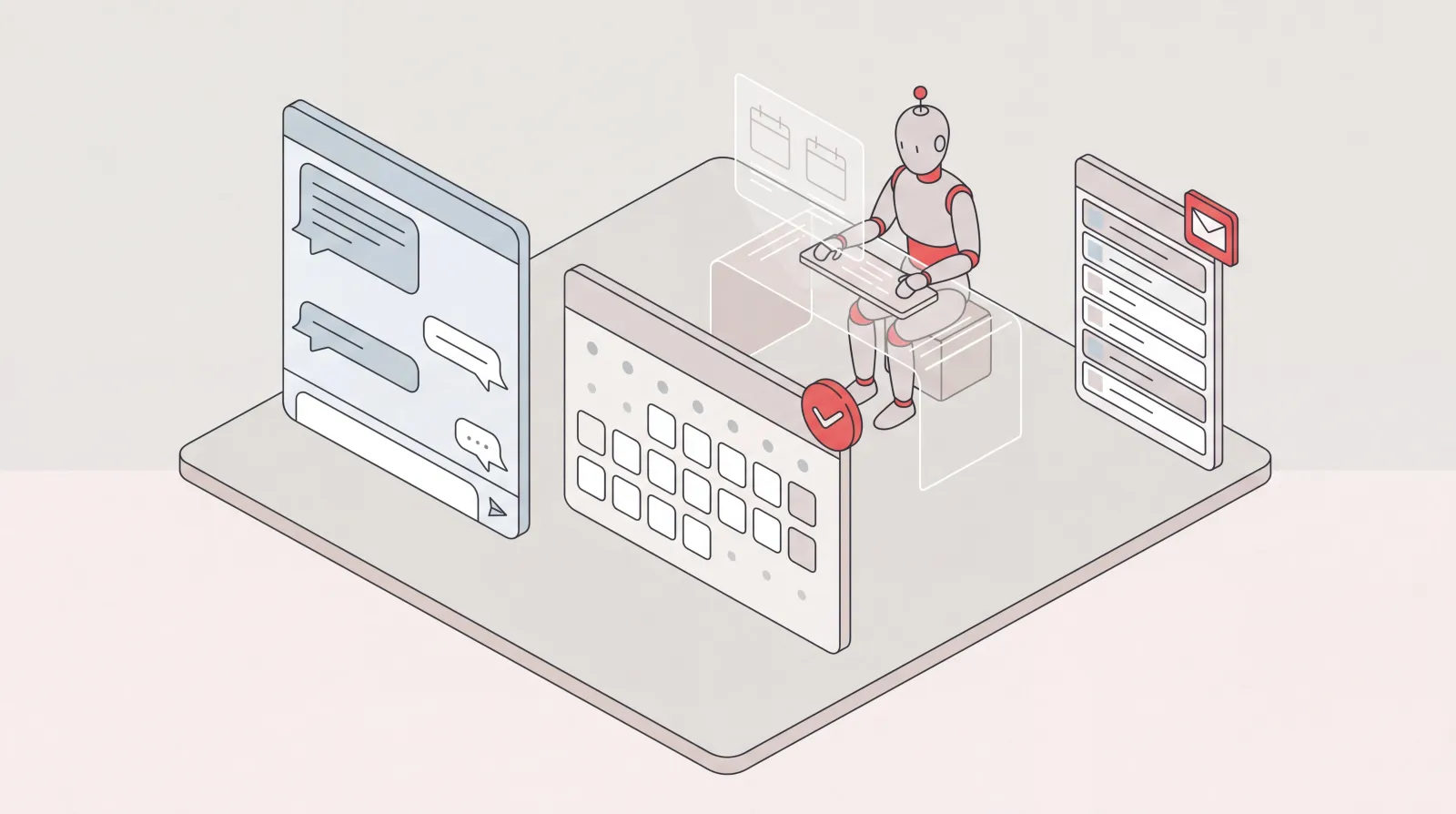
AI Assistant for Microsoft Teams Users: Delegate Your Admin
Catch is an AI assistant for executives who run on Microsoft Teams and Outlook. It connects to your Outlook email and calendar and handles scheduling, inbox, briefings, and bookings end to end.

Notion and Google Calendar: Keep Plans and Calendar in Step
What connecting Notion and Google Calendar actually does, where it stops, and how Catch works across both — turning what you planned in Notion into booked time and moving it when things change.
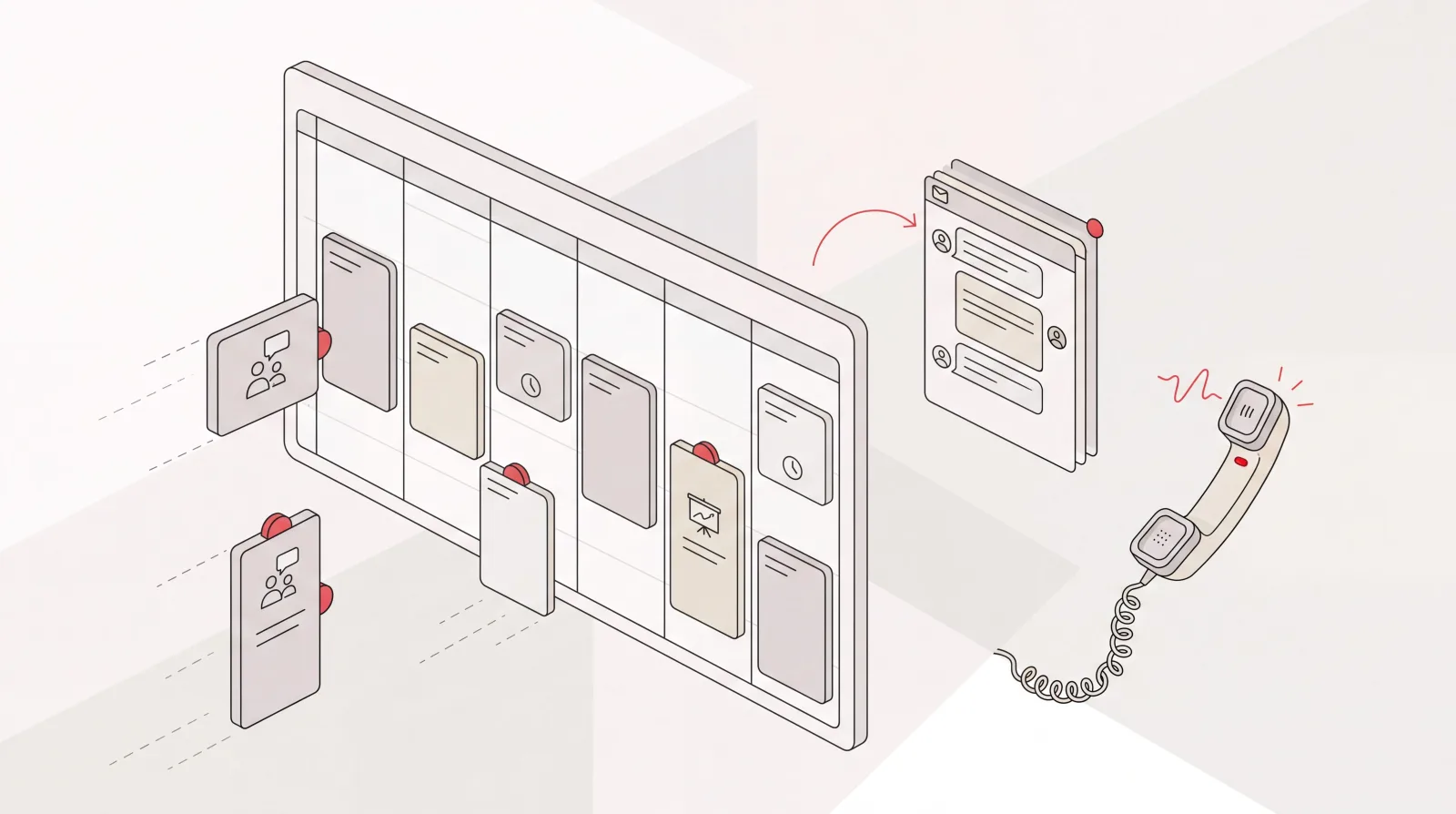
Google Calendar AI Assistant: Delegation, Not Just Scheduling Links
What a Google Calendar AI assistant should actually do: read the context around a meeting, book and move things end to end, handle the back-and-forth, and confirm by email or phone.
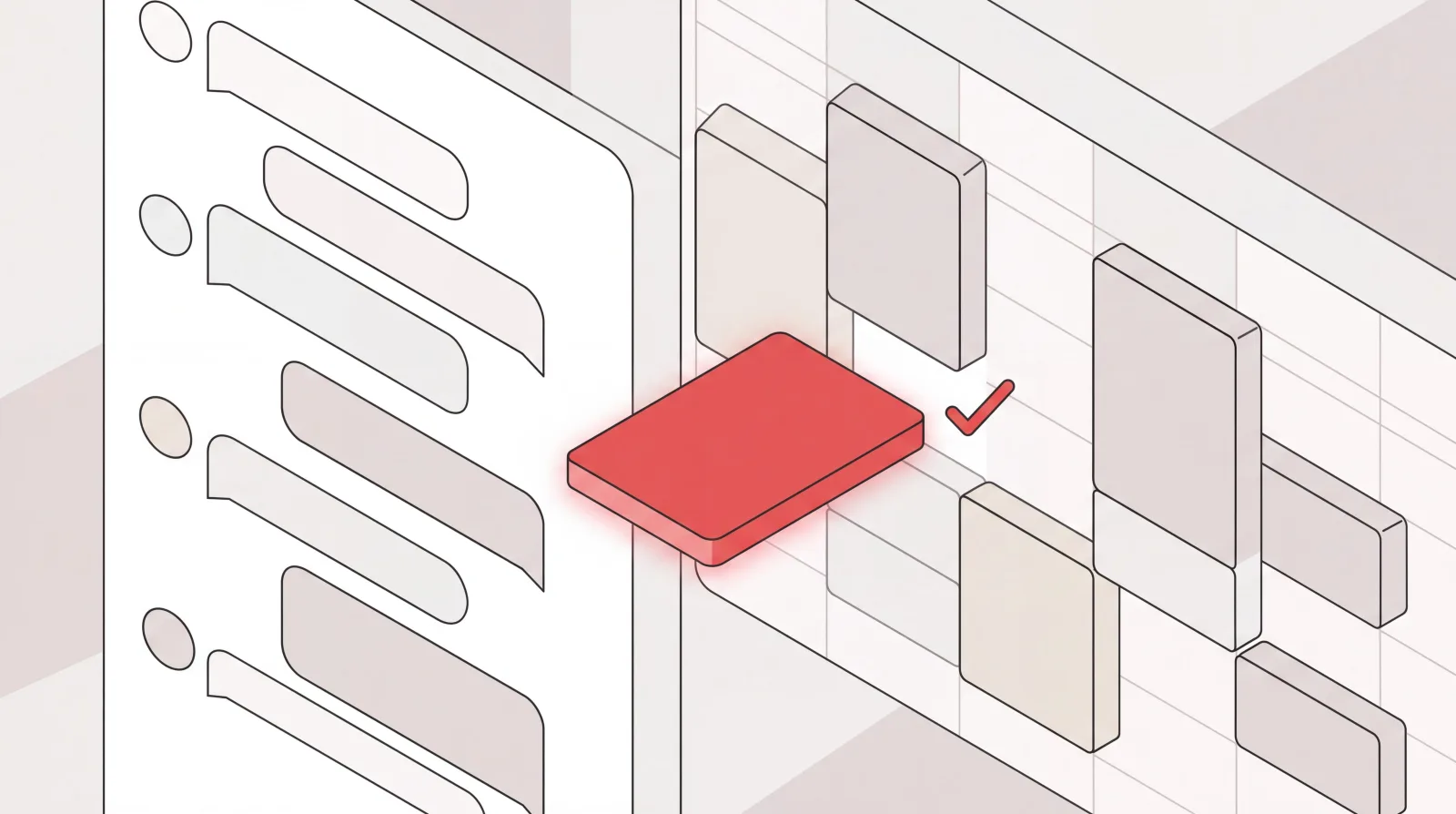
Slack and Google Calendar: Run Your Calendar Without Leaving Slack
The native Slack and Google Calendar connection shows you your day but leaves the work to you. Catch acts on it, booking, moving, and confirming meetings end to end from a Slack message.

Catch for Gmail: An AI Executive Assistant Inside Your Inbox
How Catch works as a Gmail AI assistant — triaging your inbox, drafting to your intent, sending on your behalf, and running your Google Calendar for one flat price.

Catch for HubSpot: Connect Your CRM to Your AI Assistant
Connect HubSpot in a couple of clicks with OAuth, then let your AI executive assistant keep the CRM current — looking up contacts and deals, logging calls and notes, and moving deals along while you stay on the work only you can do.

Catch for Trello: Connect Your Boards to Your AI Assistant
Connect Trello to Catch in about a minute, then let your AI executive assistant keep your boards moving — finding cards, adding them, moving them across lists, and logging updates while you stay on the work only you can do.
Catch for Attio: Connect Your CRM to Your AI Assistant
Connect Attio in a couple of clicks with OAuth, then let your AI executive assistant keep the CRM current — looking up records, logging notes, and updating deals while you stay on the work only you can do.

Google Calendar AI: How Catch Runs Your Calendar Without You Touching It
How Catch works as a Google Calendar AI assistant — running your calendar hands-off by booking meetings, resolving conflicts, and making real calls, all for one flat price.

iMessage AI Assistant: Run Your Admin From iMessage With Catch
Run your entire admin workload from the blue bubbles you already use. Catch is an AI assistant for iMessage that schedules, triages email, and books on your behalf.

Outlook AI Plugin: What Add-ins Can Do, and What They Cannot
What an Outlook add-in actually is, what the add-in model can and cannot reach, the three routes to getting AI into Outlook, and which one suits which problem.
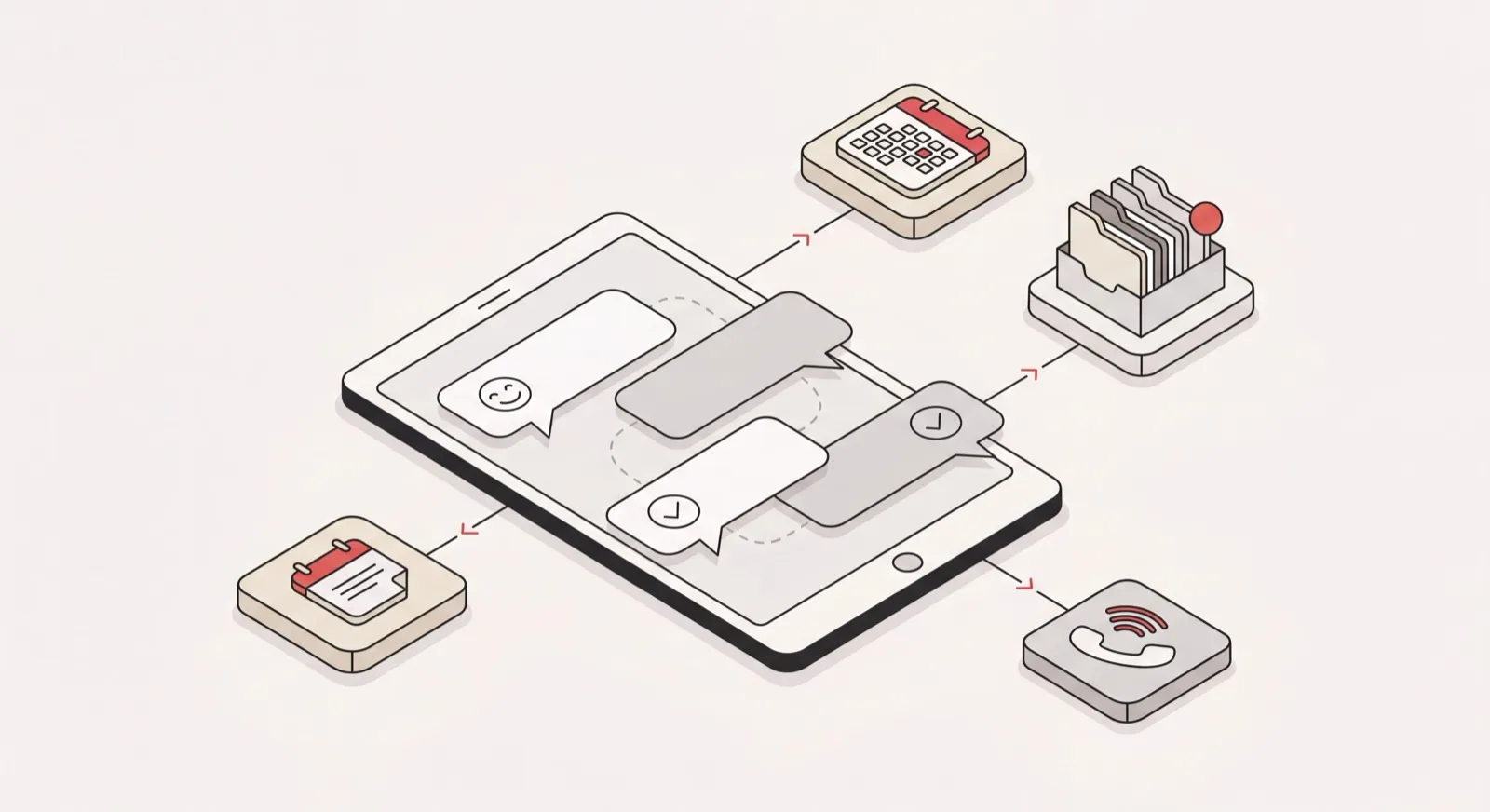
WhatsApp AI Assistant: How Catch Runs Your Calendar and Inbox From WhatsApp
How Catch works as a WhatsApp AI assistant — running your calendar and inbox from a WhatsApp chat, through WhatsApp Business with its own dedicated number and zero access to your personal account.
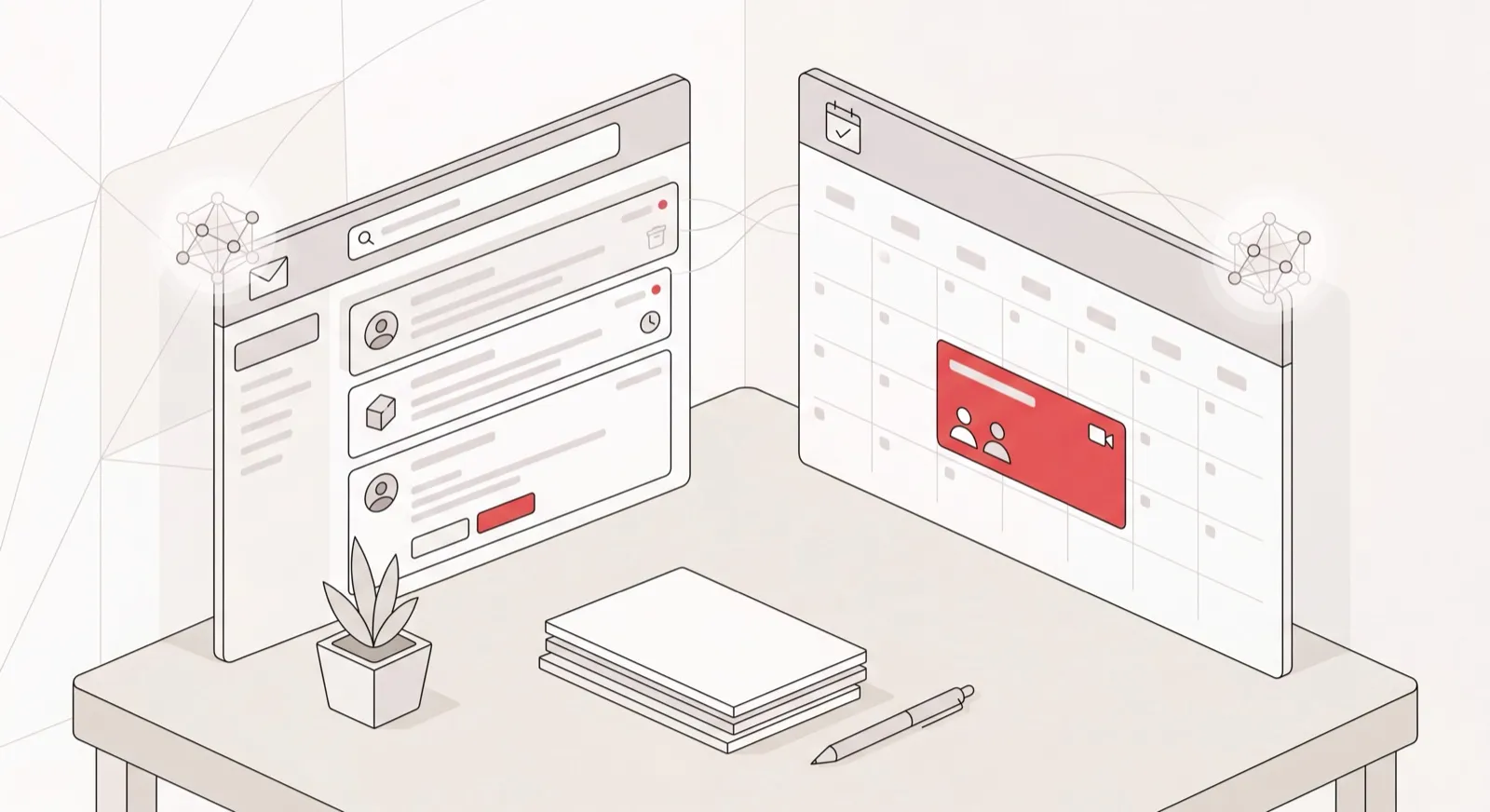
Catch for Outlook: The AI Assistant That Runs Your Outlook Inbox and Calendar
How Catch works as an Outlook AI assistant — running your Outlook inbox and calendar, scheduling meetings, and making real calls, all for one flat price.
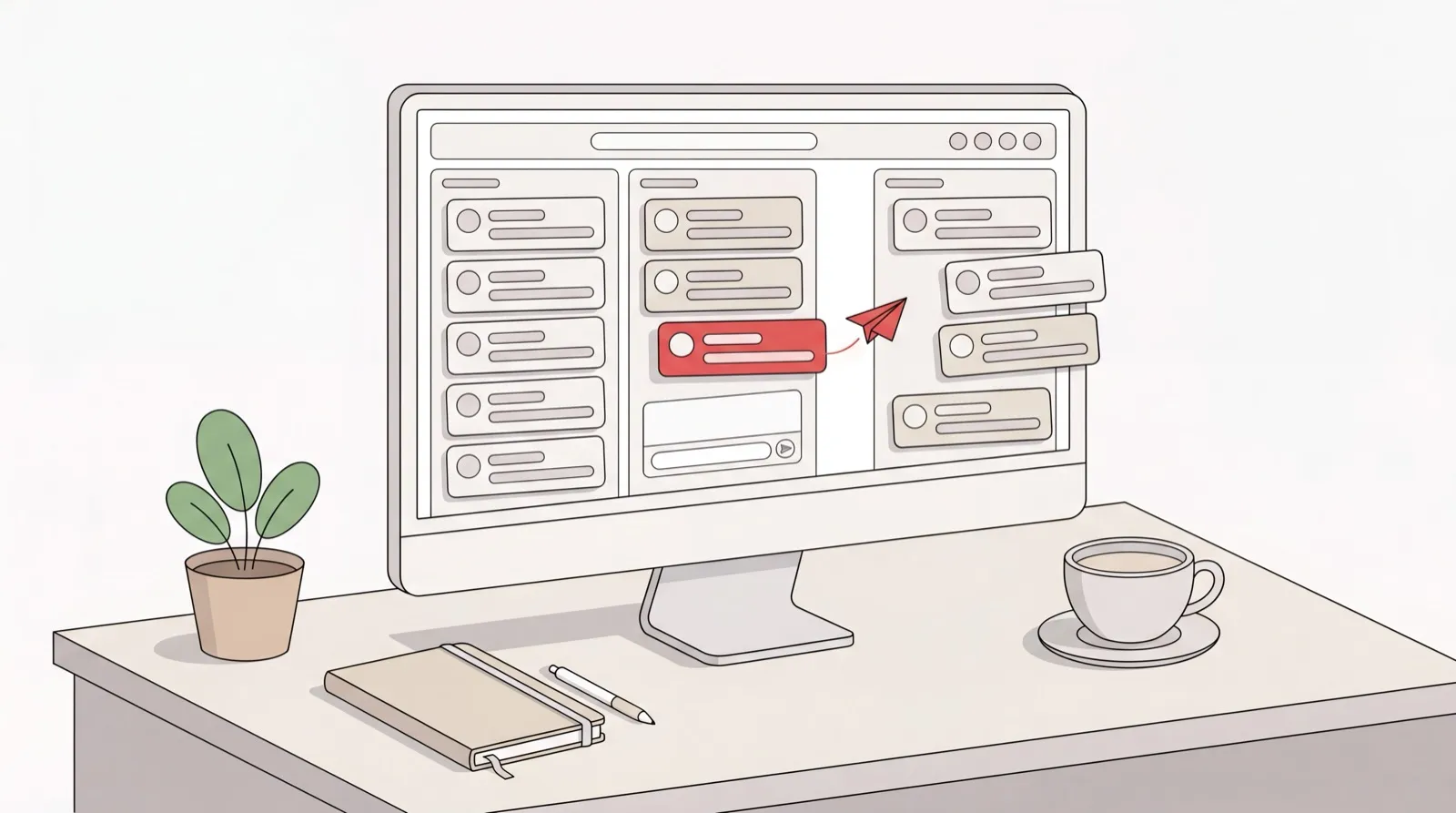
AI Email Assistant for Outlook: Drafting, Triage, and Sending With Catch
How Catch works as an AI for Outlook email — drafting, triaging, and sending on threads inside your Outlook inbox, for one flat monthly price.

AI Phone Assistant: Real Outbound Calls With Catch
How Catch works as an AI phone assistant — making real outbound calls on your behalf and running your daily call sync, with voice included in one flat price.