Google Calendar AI: How Catch Runs Your Calendar Without You Touching It
How Catch works as a Google Calendar AI assistant — running your calendar hands-off by booking meetings, resolving conflicts, and making real calls, all for one flat price.

On this page
- Google Calendar Shows You the Day. It Doesn’t Run It.
- What Catch Adds as Your Google Calendar AI Assistant
- How Catch and Google Calendar Work Together
- Conflicts Resolved, Not Just Flagged
- New Meetings Booked Across Everyone
- Booking Other People’s Links for You
- Meeting Prep Before You Walk In
- Real Calls When the Calendar Needs One
- Who This Integration Is For
- What Changes for You
- Security Built for Calendar-First Companies
- Frequently Asked Questions
- Get Started with Catch for Google Calendar
Google Calendar Shows You the Day. It Doesn’t Run It.
Google Calendar is one of those tools that just works. It’s fast, it’s clean, and it syncs across every device you own. For most executives, it sits at the center of how the week gets planned. Shared calendars, color-coded events, invites that land in everyone’s inbox, a scheduling link when you need one. Google has spent years making it dependable, and if your company runs on Google Workspace, you probably already trust it to hold your whole day.
There’s a limit, though. Google Calendar is a brilliant view of your time. It shows you the meetings, the gaps, the conflicts. What it won’t do is act on any of it for you. When two meetings collide, it stacks them side by side and then waits. You’re still the one emailing the other person to move things. When you need to set up a call across four busy people, you’re still the one working through everyone’s availability by hand. The calendar reflects your day beautifully. It just doesn’t take the day off your plate.
I’m Nir Sabato, co-founder of Catch. We built Catch to be your Admin Savior - to lift the end-to-end admin work off your plate so your hours go toward the work only you can do. Think of it as a Google Calendar AI layer that doesn’t just display your schedule but actually runs it: booking the meetings, untangling the conflicts, chasing the loose ends, all without you touching each step.
What Catch Adds as Your Google Calendar AI Assistant
Catch connects to your Google Calendar and works on top of it, not instead of it. Your calendar stays right where it is, exactly how you like it. Catch is just the layer that does the work the calendar can only show you.
The connection works the way any trusted calendar integration does. You connect your Google Calendar during setup, and Catch gets read and write access to your primary calendar plus any other calendars shared with it. From there it can see your real availability and make actual changes: create events, move them, adjust durations, add or drop participants, accept or decline invites. Pretty much everything a sharp assistant would handle if they had a seat in your calendar.
The real difference is proactivity. Most AI for Google Calendar is reactive - you ask it something, it answers, and then it goes quiet. Catch learns who you are instead. Your priorities, the people who matter, how long you like your meetings, which days you’re in the office, the buffers you need between calls. Then it acts on all that without being asked. That’s the gap between a tool you operate and an assistant you actually delegate to.
And it reaches you wherever you happen to be. You don’t have to be staring at Google Calendar for any of this to happen. Message Catch over Slack, text, iMessage, or a phone call, and it’s working your calendar in the background the whole time. You don’t have to sit inside the calendar for the work to keep moving.
How Catch and Google Calendar Work Together
Conflicts Resolved, Not Just Flagged
This is the one that changes how the week feels, and it’s the heart of real auto scheduling. Google Calendar shows you a double-booking. Catch fixes it. When two meetings collide, Catch doesn’t stop at flagging the overlap. It reaches out to the other party, proposes a new time that fits your real availability, and reschedules the whole thing. You don’t surface the conflict, decide on it, or send that awkward “so sorry, can we move?” email. It’s already handled by the time you’d have even noticed.
New Meetings Booked Across Everyone
Tell Catch “set up 30 minutes with the partnerships team next week, mornings only” through whatever channel you’re already in, and it checks your calendar, coordinates with the other people, picks a time, and sends the invite, the way an AI executive assistant would handle it for you. No back-and-forth threads. And if you’d rather hand out a link, Catch generates a scheduling link in seconds with your constraints already baked in: specific people, specific windows, specific days.
Booking Other People’s Links for You
When someone sends you their own Calendly or scheduling link, Catch doesn’t leave it sitting in your inbox. It reviews the open slots, weighs them against your real availability and how urgent the request is, then books the right one on your behalf. No click-through, no “let me find a time,” no tab left open for three days.
Meeting Prep Before You Walk In
Ahead of a meeting on your Google Calendar, Catch pulls together what you’ll need: the relevant email history, the to-dos you said you’d handle, briefs from the tools you’ve connected like Notion or Asana. Then it nudges you about anything you forgot. You stop being the person who walks in cold.
Real Calls When the Calendar Needs One
Some scheduling only gets resolved on the phone. When a booking needs a confirmation call, or a vendor wants you to “just call and sort the time out,” Catch works as an AI phone assistant, placing a real outbound call, identifying itself as your AI assistant the moment it’s on the line, and getting it done. Voice is included in the flat price. No per-minute charges, no per-call fees.
Who This Integration Is For
- Executives on Google Workspace who live in Google Calendar all day and are quietly losing hours to scheduling and conflict cleanup.
- CEOs, VPs of Sales, and Operations leaders at US mid-market companies (30 - 200 employees) carrying a genuinely heavy calendar load.
- Founders who’ve tried asking a chatbot to “manage my calendar,” only to find it suggests times but never actually does the booking.
- Anyone weighing a human EA who wants that scheduling workload covered without having to make the hire.
What Changes for You
- Before: You spot a double-booking and email both people to untangle it. After: Catch reaches out and reschedules before you’d even have noticed.
- Before: You trade five emails to land on one meeting time. After: Catch books it across everyone, or sends a link with your rules applied.
- Before: Someone’s scheduling link sits open in a tab for three days. After: Catch picks a slot that fits your day and books it.
- Before: You walk into a meeting scrambling to remember the context. After: Catch has the brief and the to-dos waiting for you.
- Before: The confirmation call happens squeezed between two of your own meetings. After: Catch places the call and reports back.
If running your calendar end-to-end is the job you want done, it helps to see where this fits in the bigger picture. Catch handles it as one piece of the work an AI scheduling assistant is built to take off your plate.
Security Built for Calendar-First Companies
Catch is built for executives, which means it’s built around the questions executives and their IT teams tend to ask before connecting a calendar. Catch is SOC 2 Type II certified (audited by EY) and a Google Verified App that has passed CASA Tier 2 review. Your data is hosted in the US, and Catch runs on its own proprietary models, so it does not use your data to train third-party models. The agent stays inside guardrails too: where approval is needed, it won’t act without your sign-off.
One more thing worth saying plainly. Catch is an assistant, not a replacement for your project tools. It integrates with Asana and Notion, closing tasks, adjusting deadlines, pulling briefs, rather than asking you to move off them. You keep Google Calendar, you keep your stack, and Catch handles the admin across all of it.
Frequently Asked Questions
What is a Google Calendar AI assistant?
A Google Calendar AI assistant is software that connects to your Google Calendar and actively runs it for you, booking meetings, resolving conflicts, and managing invites instead of just displaying your schedule. Catch is a Google Calendar AI that takes those tasks off your plate end-to-end and acts proactively, the way a great human assistant would.
Do I need to switch away from Google Calendar?
No. Catch works on top of Google Calendar, not instead of it. You keep using your calendar exactly as you do today, and Catch connects to it and handles the scheduling work in the background.
How does Catch connect to Google Calendar?
You connect your Google Calendar during setup, and Catch gets read and write access to your primary calendar plus any calendars shared with it. It’s the same connect-your-calendar mechanism standard integrations use, and the whole thing takes under three minutes.
Is Catch the same as the AI features already in Google Calendar?
No. Most AI for Google Calendar is reactive: it helps when you ask, then waits. Catch is proactive. It learns your priorities, acts without being prompted, takes real action like rescheduling and calling, and reaches you across Slack, text, iMessage, and phone.
What can Catch actually do in my Google Calendar?
It books and reschedules meetings, generates scheduling links with your constraints, resolves conflicts by reaching out to the other party, books open slots on other people’s links, manages participants and durations, accepts and declines invites, and gets you ready before each meeting.
Will Catch tell people it’s an AI?
Yes, always. Catch never pretends to be human. Emails it sends on your behalf are signed accordingly, and on phone calls it introduces itself as your AI assistant right away. That transparency is built into how it acts.
How much does a Google Calendar AI assistant from Catch cost?
A flat $99 per month. No credits, no usage tiers, no per-call fees, and voice calls are included in that price. There’s also a 10-day free trial, so you can connect your calendar and watch it work before you pay anything.
Is my calendar data secure with Catch?
Yes. Catch is SOC 2 Type II certified (audited by EY) and a Google Verified App that passed CASA Tier 2 review. Your data is hosted in the US and never used to train third-party models.
Does Catch work with Google Workspace business accounts?
Catch is built for executives at US mid-market companies, which is exactly where Google Workspace business accounts tend to live. You connect your work Google Calendar during setup. If you’re not sure about your specific account type, just ask before you connect anything.
Does Catch replace my project management tools?
No. Catch isn’t a task or project management replacement. It integrates with Asana and Notion, closing tasks, changing deadlines, pulling briefs, so it slots into your existing stack instead of asking you to switch.
Get Started with Catch for Google Calendar
You don’t have to change a single thing about how you use Google Calendar. Keep your calendar, keep your invites, keep your Google Workspace stack. Catch just adds the assistant that actually runs the calendar on top of all of it: booking, rescheduling, resolving, and calling, so the day more or less organizes itself. Connect your Google Calendar in under three minutes, start a free trial, and let Catch take the scheduling off your plate. Get Started today.
Keep reading
Related posts
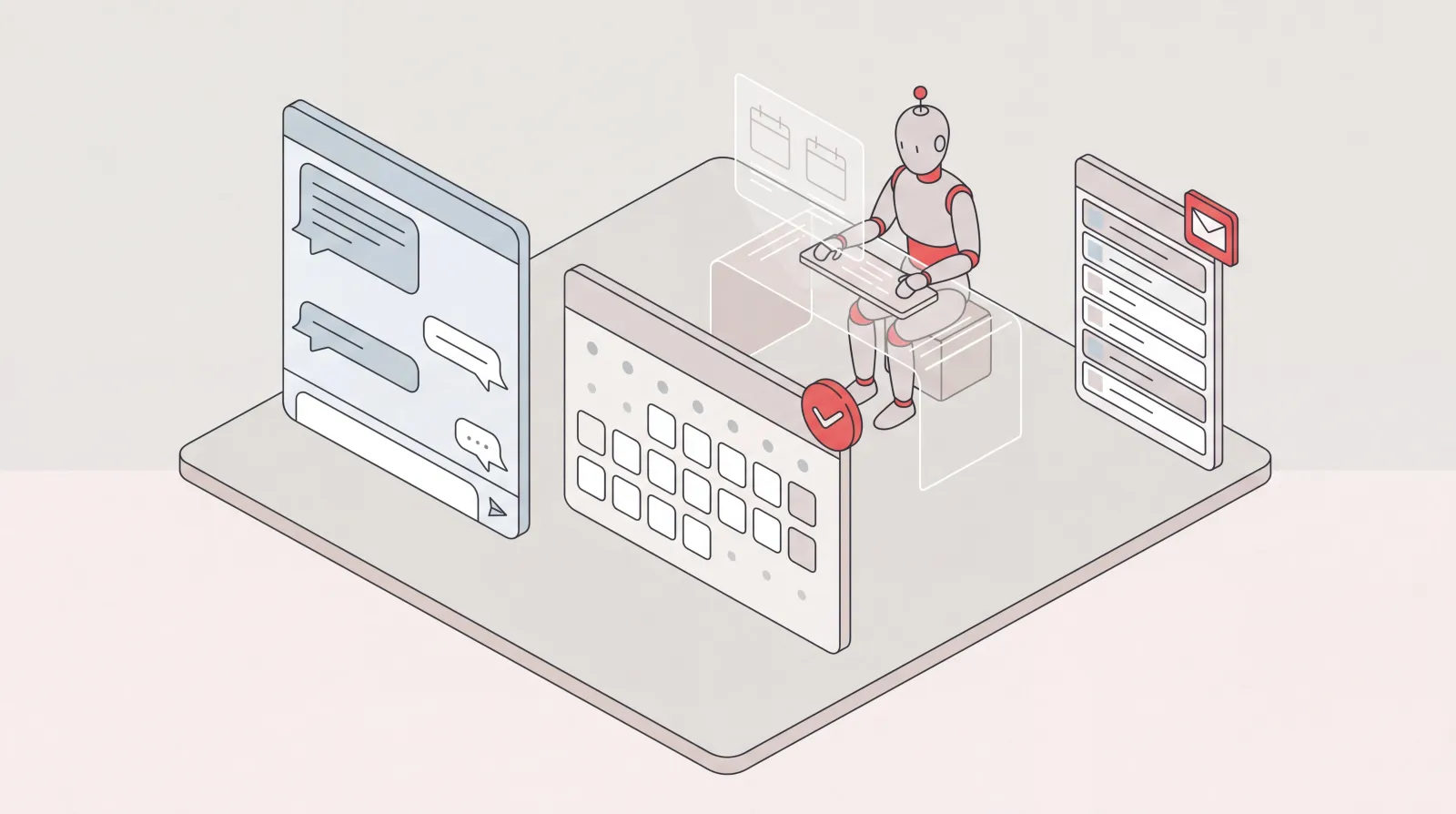
AI Assistant for Microsoft Teams Users: Delegate Your Admin
Catch is an AI assistant for executives who run on Microsoft Teams and Outlook. It connects to your Outlook email and calendar and handles scheduling, inbox, briefings, and bookings end to end.

Notion and Google Calendar: Keep Plans and Calendar in Step
What connecting Notion and Google Calendar actually does, where it stops, and how Catch works across both — turning what you planned in Notion into booked time and moving it when things change.
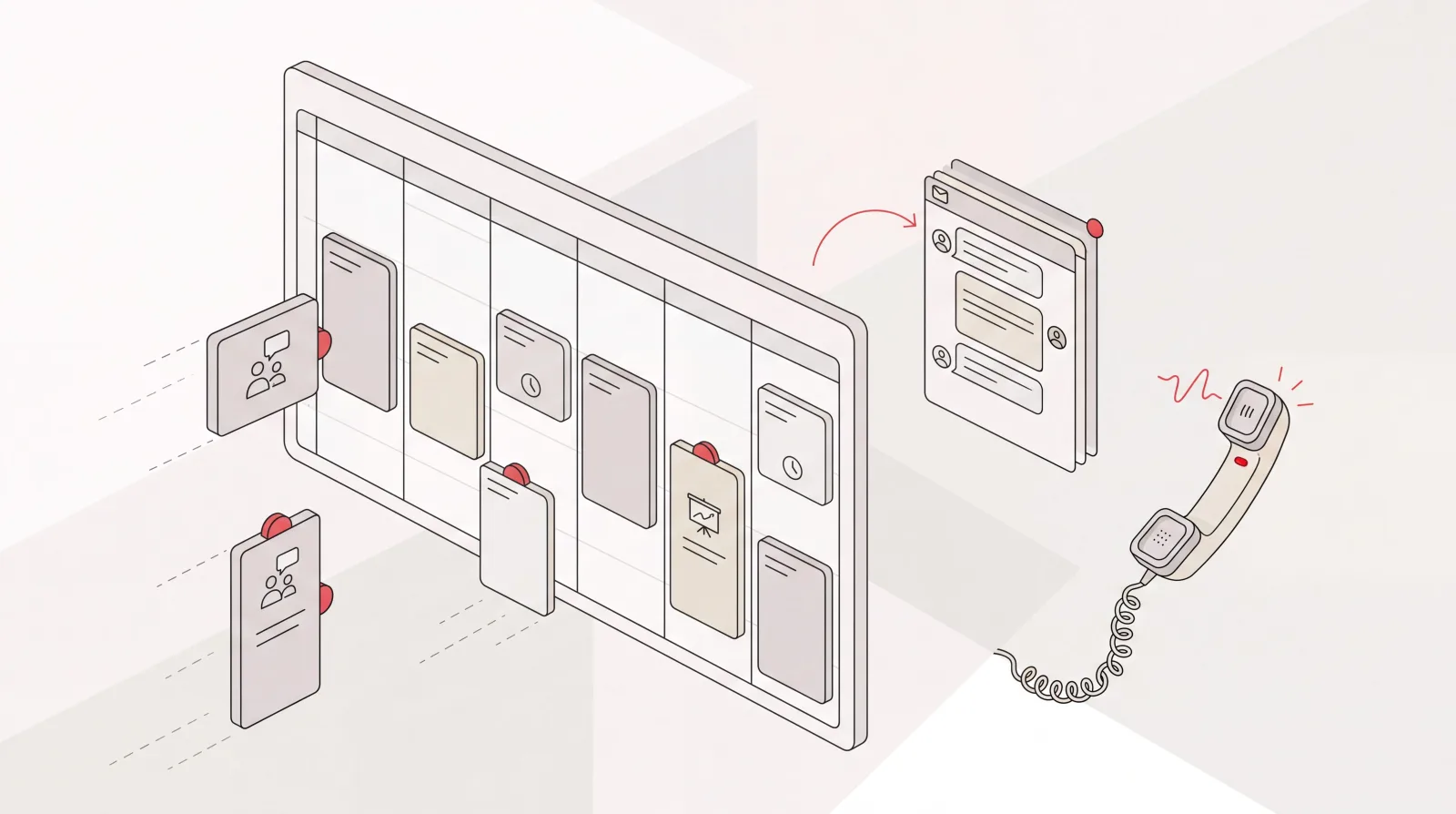
Google Calendar AI Assistant: Delegation, Not Just Scheduling Links
What a Google Calendar AI assistant should actually do: read the context around a meeting, book and move things end to end, handle the back-and-forth, and confirm by email or phone.