Catch for Outlook: The AI Assistant That Runs Your Outlook Inbox and Calendar
How Catch works as an Outlook AI assistant — running your Outlook inbox and calendar, scheduling meetings, and making real calls, all for one flat price.
On this page
- Outlook Is Where Your Work Lives - But It Still Waits for You
- What Catch Adds as Your Outlook AI Assistant
- How Catch Works Inside Outlook
- Inbox Triage That Surfaces Only What Matters
- Scheduling and Calendar Tetris, Handled
- Real Phone Calls From Your Outlook World
- Meeting Prep Before You Walk In
- Who This Integration Is For
- What Changes for You
- Security Built for Outlook-First Companies
- Frequently Asked Questions
- Get Started with Catch for Outlook
Outlook Is Where Your Work Lives - But It Still Waits for You
For a lot of executives, Outlook is where the whole day happens. That’s exactly why an Outlook AI assistant is worth a second look. The inbox, the calendar, the meeting invites, the shared scheduling, it’s all sitting in one place and it works. Microsoft has had decades to make Outlook fast, dependable, and tightly wired into the rest of Microsoft 365. If your company runs on it, you already know the thing holds up.
But here’s the limit. Outlook shows you the work. It doesn’t actually do the work for you. Your inbox is laid out neatly, sure, and you still read every thread and decide what matters. It points out a scheduling conflict, and you’re still the one emailing the other person to move the meeting. Microsoft’s own AI in Outlook will draft a reply or summarize a thread when you ask, which is genuinely useful, but it waits for you to ask every single time. And it stops at the edge of the inbox.
I’m Nir Sabato, co-founder of Catch. We built Catch to be the Admin Savior - to lift the end-to-end admin work off your plate so your hours go toward the stuff only you can do. Catch is an Outlook-native take on an AI executive assistant that doesn’t just sit inside Outlook waiting around for instructions. It runs your inbox and calendar, makes the call on what matters, and takes real action.
What Catch Adds as Your Outlook AI Assistant
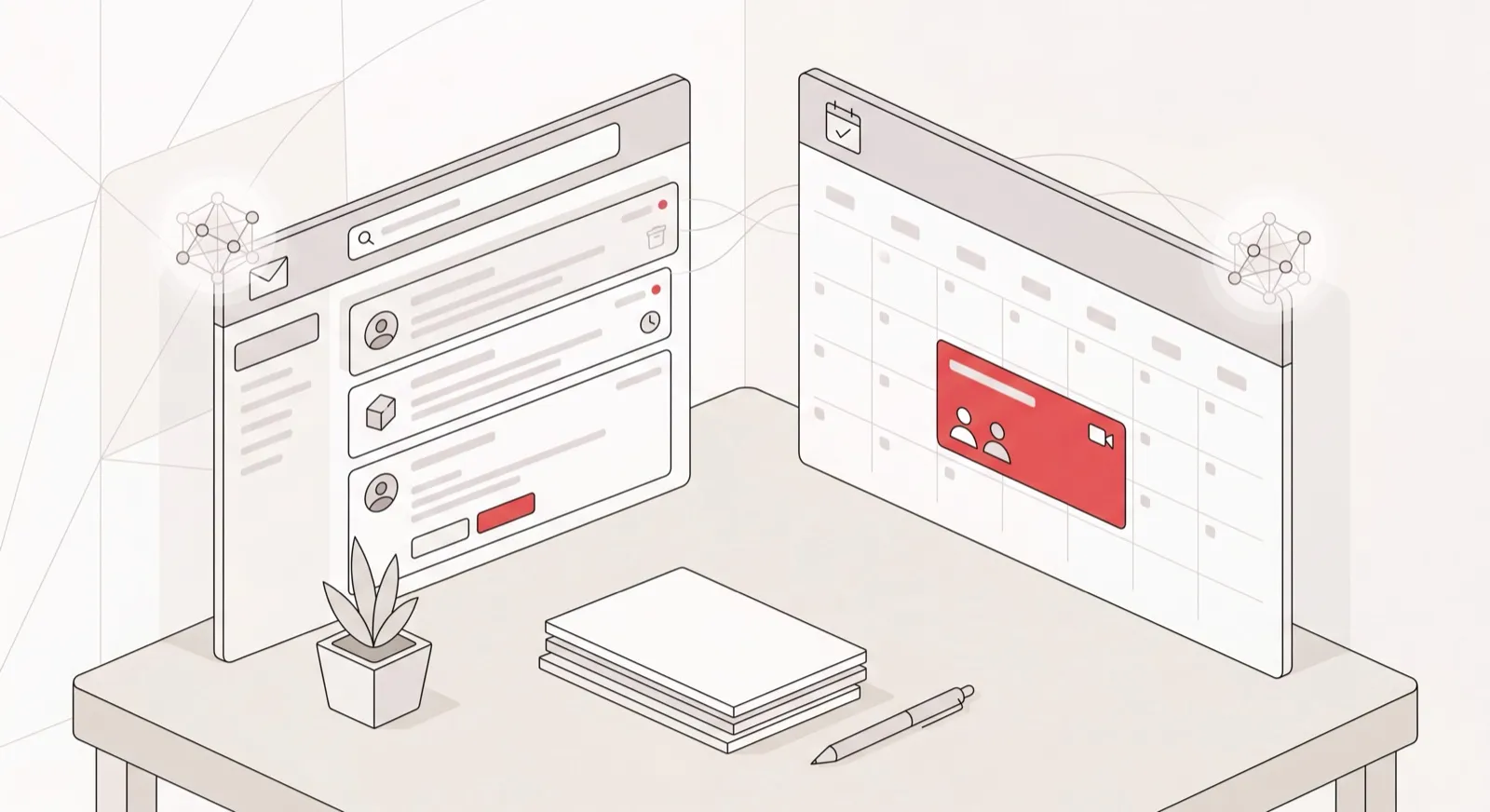
Catch connects to your Outlook email and Outlook calendar and works on top of them, not instead of them. Outlook stays exactly as it is. Catch is the layer that actually handles things.
What makes the difference is proactivity. Most AI in Outlook is reactive: you open a thread, click a button, and it helps with that one thread. Catch learns who you are instead - your priorities, the people who matter, how you like your meetings, which days you’re in the office - and then acts without being prompted. It flags the email you’d have skimmed past. It reschedules the meeting that just collided with a flight. It chases the reply you’ve been waiting on. You don’t manage it like a tool. You hand things off to it like an assistant.
It also reaches you wherever you happen to be. You don’t have to be parked in Outlook to get anything out of it. Message Catch over Slack, text, iMessage, or a phone call, and it’s working your Outlook inbox and calendar in the background. Microsoft’s AI lives in the Outlook window. Catch lives in your whole day.
How Catch Works Inside Outlook
Inbox Triage That Surfaces Only What Matters
Catch reads your Outlook inbox and tells you what actually needs you. Instead of staring at 200 unread emails, you get a text: “John still hasn’t replied on the contract, and the partnerships team sent a meeting request that needs a yes or no today.” It weighs what’s important against your priorities and the people you care about, rather than running some rigid rule about senders or keywords. The noise stays in Outlook. The signal comes to you.
Handling your inbox also means staying on top of the threads still hanging open. Catch works out which conversations genuinely deserve a nudge based on context and what you’ve told it, then drafts or sends the reply. There’s no hard-coded “remind me in two days” rule. It’s actual judgment about which conversations matter and when one has gone quiet for too long.
Scheduling and Calendar Tetris, Handled
Catch runs your Outlook calendar end to end, the way a purpose-built AI scheduling assistant handles a week. Tell it “set up 30 minutes with the design team next week, mornings only” and you’ve got a scheduling link in seconds with your constraints already baked in. When two meetings collide, Catch doesn’t just flag the conflict and walk away. It reaches out to the other party and reschedules. And when someone sends over their own booking link, Catch picks a time that fits your real availability and how urgent the thing actually is, instead of leaving it for you to untangle later.
Real Phone Calls From Your Outlook World
Some admin still only happens on the phone, and Catch handles that too. When a calendar booking needs a confirmation call, or a vendor buried in your inbox wants you to “just call and sort it out,” Catch works as an AI phone assistant, placing the real outbound call for you and identifying itself as your AI assistant once it’s on the line. Voice comes with the flat price. No per-minute charges, no per-call fees.
Meeting Prep Before You Walk In
Before a meeting on your Outlook calendar, Catch pulls together what you’ll need: the relevant email history, the to-dos you said you’d handle, briefs from whatever tools you’ve connected. It nudges you about the prep you forgot, so you’re never the person walking in cold.
Who This Integration Is For
- Executives at Microsoft 365 companies who live in Outlook all day and are quietly drowning in inbox and calendar work.
- CEOs, VPs of Sales, and Operations leaders at mid-size companies (30 - 200 employees) carrying a genuinely heavy admin load.
- Founders who’ve already tried nudging Microsoft’s AI in Outlook to “be proactive” and found it still waits for every instruction.
- Anyone weighing a human EA who wants that workload covered without actually making the hire.
What Changes for You
- Before: You scan every thread in Outlook hunting for the three that matter. After: Catch texts you those three and leaves the rest filed.
- Before: You email three people to land on a meeting time. After: Catch sends a scheduling link with your rules already applied.
- Before: A calendar conflict means you personally apologize and reschedule. After: Catch reaches out and moves it.
- Before: You make the confirmation call yourself, squeezed between meetings. After: Catch places the call and reports back.
- Before: You remember to follow up. Or you don’t. After: Catch decides what’s worth chasing and chases it.
Security Built for Outlook-First Companies
Catch is built for executives, which means it’s built around the security questions executives and their IT teams ask before they’ll connect an inbox. Catch is SOC 2 Type II certified (audited by EY) and a Google Verified App that has passed CASA Tier 2 review. It’s hosted in the US. Catch runs on proprietary models and does not use your data to train third-party models. The agent stays inside guardrails: it won’t act without your approval where approval is needed, and it can’t be tricked into exposing things it shouldn’t.
One more thing worth saying plainly. Catch is an assistant, not a replacement for your project tools. It integrates with Asana and Notion - closing tasks, adjusting deadlines, pulling briefs - instead of asking you to move off them. You keep Outlook, you keep your stack, and Catch handles the admin across all of it.
Frequently Asked Questions
Do I need to switch away from Outlook?
No. Catch works on top of Outlook, not instead of it. You keep using your Outlook inbox and calendar exactly as you do today, and Catch connects to them and handles the admin work in the background.
How does Catch connect to Outlook?
Through a secure OAuth permission grant during setup. You sign up, connect Outlook, approve the permissions, and start chatting with Catch by text. The whole thing takes under three minutes.
Is Catch the same as the AI already in Outlook?
No. Microsoft’s AI in Outlook is reactive. It helps with a thread when you ask it to, inside the Outlook window. Catch is a proactive Outlook AI assistant that learns your priorities, acts without being prompted, takes real action like rescheduling and calling, and reaches you across Slack, text, iMessage, and phone.
What can Catch actually do in my Outlook inbox and calendar?
It triages your inbox and surfaces only what matters, drafts and sends replies and follow-ups, generates scheduling links, books and reschedules meetings, resolves calendar conflicts by reaching out to the other party, and gets you ready before meetings.
Does it work with Microsoft 365 and business Outlook accounts?
Catch is built for executives at US mid-market companies, and that’s exactly where business Outlook and Microsoft 365 tend to live. You connect your work Outlook account during setup. If you’re unsure about your specific account type, just ask before you connect anything.
How much does an Outlook AI assistant from Catch cost?
A flat $99 per month. No credits, no usage tiers, no per-call fees, and voice calls are included in that price. There’s also a 10-day free trial, so you can connect Outlook and watch it work before you pay anything.
Is my Outlook data secure with Catch?
Yes. Catch is SOC 2 Type II certified (audited by EY) and a Google Verified App that passed CASA Tier 2 review. Your data is hosted in the US and never used to train third-party models.
Will Catch send emails or make calls without telling people it’s AI?
No. Catch always discloses that it’s AI. Emails it sends on your behalf are signed accordingly, and on phone calls it introduces itself as your AI assistant. That transparency is baked into how it acts.
Does Catch replace my project management tools?
No. Catch isn’t a task or project management replacement. It integrates with Asana and Notion - closing tasks, changing deadlines, pulling briefs - so it slots into your existing stack instead of asking you to switch.
How long does setup take?
Under three minutes. Sign up, connect Outlook, grant permissions, hook up any other apps you use, and start chatting by text. No workflows to build, no setup screens to configure.
Get Started with Catch for Outlook
You don’t have to change a single thing about how you use Outlook. Keep your inbox, keep your calendar, keep your Microsoft 365 stack. Catch just adds the assistant that actually handles the admin on top of all of it. Connect Outlook in under three minutes, start a free trial, and let Catch take the inbox triage, the scheduling, and the follow-ups off your plate. Get Started today.
Keep reading
Related posts
AI Assistant for Microsoft Teams Users: Delegate Your Admin
Catch is an AI assistant for executives who run on Microsoft Teams and Outlook. It connects to your Outlook email and calendar and handles scheduling, inbox, briefings, and bookings end to end.
Notion and Google Calendar: Keep Plans and Calendar in Step
What connecting Notion and Google Calendar actually does, where it stops, and how Catch works across both — turning what you planned in Notion into booked time and moving it when things change.
Google Calendar AI Assistant: Delegation, Not Just Scheduling Links
What a Google Calendar AI assistant should actually do: read the context around a meeting, book and move things end to end, handle the back-and-forth, and confirm by email or phone.