Google Calendar AI Assistant: Delegation, Not Just Scheduling Links
What a Google Calendar AI assistant should actually do: read the context around a meeting, book and move things end to end, handle the back-and-forth, and confirm by email or phone.
On this page
- What Google Calendar Does Well, and What It Leaves to You
- What a Google Calendar AI Assistant Should Actually Do
- How Catch Works With Google Calendar
- It Reads the Context Around a Meeting
- It Books and Moves Things End to End
- It Handles the Back-and-Forth With the Other Side
- It Takes On More as It Learns How You Work
- If Your Question Is Really About Syncing Two Calendars
- Who This Is For
- What Changes for You
- Security for Calendar and Email Access
- Frequently Asked Questions
- Get Started With Catch and Google Calendar
What Google Calendar Does Well, and What It Leaves to You
Google Calendar is a good product. It holds the day accurately, syncs everywhere, shares cleanly with a team. If your company runs on Google Workspace, your week already lives there, and there’s no real reason to move it.
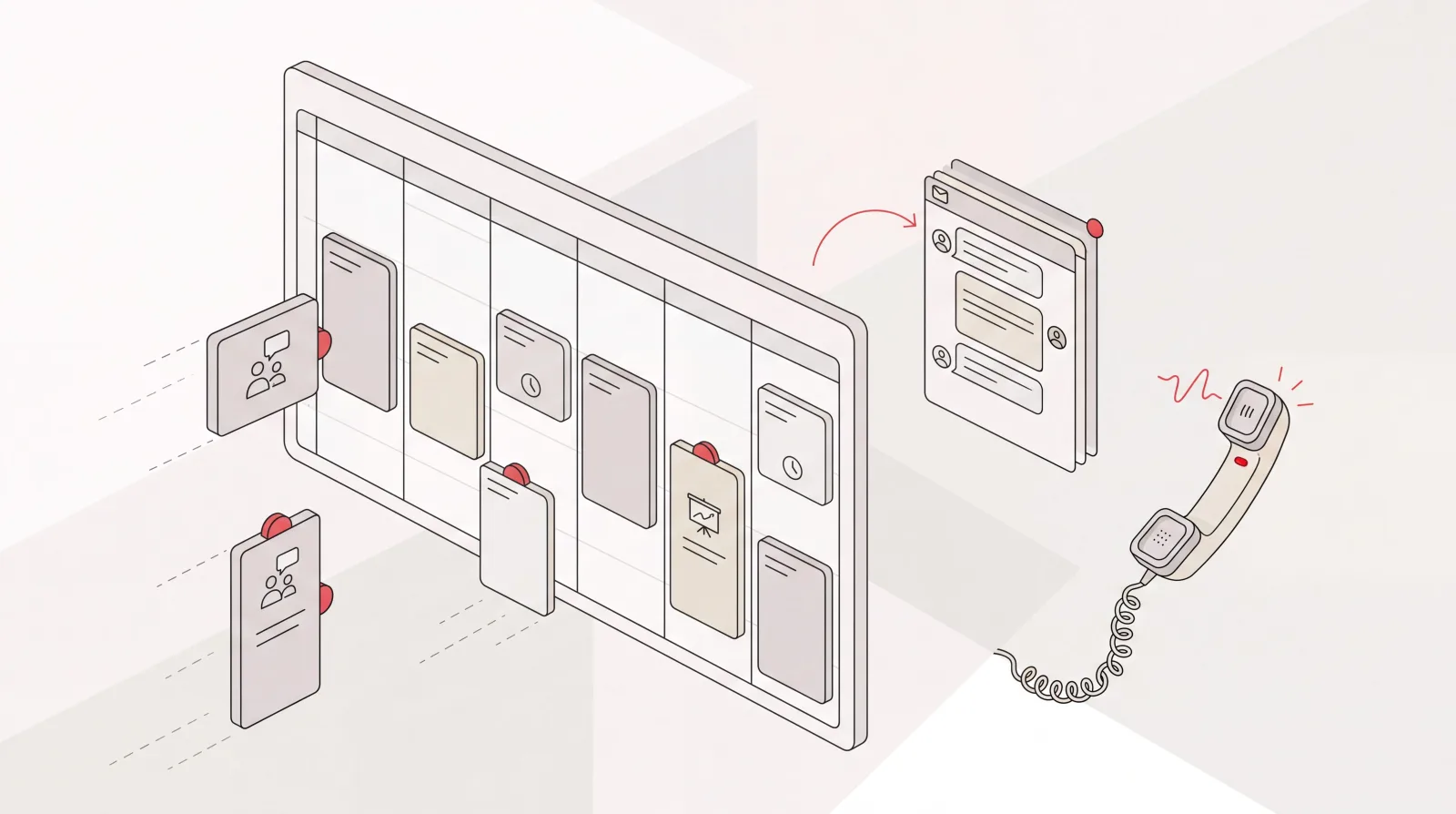
Acting is the part it was never built for. It shows you that Tuesday has two meetings stacked on top of each other, and then it waits. What should move, who needs to be told, what happens next: all of that still lands on you.
I’m Nir Sabato, co-founder of Catch. Most people searching for a Google Calendar AI assistant aren’t after a prettier calendar. They want someone to take the calendar off their hands. That’s a different category from a booking link or an auto-blocker, and the difference is worth being precise about before you connect anything to your calendar.
What a Google Calendar AI Assistant Should Actually Do
Tools in this space tend to do one of two things. They hand you a link so other people can book you, or they shuffle blocks around your calendar according to rules you set up front. Both are useful. Neither is delegation. You’re still operating the tool, and the tool stops at the edge of your calendar. The moment the work involves another person, it hands the job back.
Delegation means the assistant handles the whole thing: reads the context around a meeting, decides what should happen, does it, deals with the other side, tells you when it’s done. That’s the standard an AI assistant for Google Calendar should be measured against.
Catch is built to that standard. It connects to your Google Calendar and works on top of it, so your calendar stays exactly as it is. What changes is that the work the calendar can only display now gets done by something other than you.
How Catch Works With Google Calendar
It Reads the Context Around a Meeting
An event is a title, a time, and a list of names. Not much to make a good decision with. Catch connects to Gmail or Outlook alongside your calendar, so it sees the thread that produced the meeting, who’s been chasing whom, and what’s still open. It pulls from the tools you connect too (Notion, Asana, HubSpot, Zoho, your notetaker), so it knows what the meeting is actually about.
That context is the difference between an assistant that asks three questions before it can do anything and one that just handles it. When Catch sees that Thursday’s customer call is the one that’s already slipped twice, it treats it differently from a routine internal sync.
It Books and Moves Things End to End
Ask Catch for thirty minutes with John and Mark next week, mornings only, in whatever channel you’re already in (Slack, text, iMessage, a phone call) and it checks your availability, coordinates with them, picks the time, sends the invite. Prefer to hand out a link? It generates one in seconds with your constraints applied.
Changes work the same way. When two meetings collide, Catch works out which one should move, proposes a new time that fits your week, and reschedules it. When someone sends you their own scheduling link, it reviews the open slots, weighs them against your availability and how urgent the request is, and books the right one instead of leaving it to sit in your inbox.
Then there are the small edits that quietly eat a morning: adding and removing participants, shortening a meeting that doesn’t need an hour, accepting and declining invites, nudging you about the prep you said you’d do before a call.
It Handles the Back-and-Forth With the Other Side
Most calendar tools leave this part out, and it’s the part that costs you the most time. Rescheduling isn’t a calendar operation. It’s a conversation with another person who also has a full week.
Catch has that conversation. It emails the other party on your behalf, proposes times, absorbs the counter-offer, and lands on something that works. When a booking needs an actual phone call, say confirming a room for an offsite or sorting a time with a vendor who won’t use email, Catch places the call from its own line and finishes it. Voice is included in the plan, no per-call fees.
Two things Catch doesn’t do, so there’s no confusion: it doesn’t answer your incoming calls, and it isn’t a general reception line for cold callers. It places calls out; someone it has already contacted can call that number back and continue the conversation, and you can call Catch yourself to hand off work.
It Takes On More as It Learns How You Work
Handing your calendar to something on day one, sight unseen, isn’t a reasonable ask, so Catch doesn’t make it. Early on it checks with you before acting. As it learns how you work (which meetings are movable, who gets a fast yes, how much buffer you need, which people you never make wait) it takes on more without asking. When a decision genuinely needs you, it comes with the full picture and waits for your call.
Catch applies judgment rather than running rules. No workflow builder, no rule tree to maintain. It weighs what matters and decides, the way a person in the role would.
If Your Question Is Really About Syncing Two Calendars
Worth saying plainly: Catch is not a calendar sync utility. If all you want is your work and personal calendars mirrored into one grid, a dedicated sync tool does that job.
What Catch does is connect to your calendars, your primary one plus any calendars shared with it, on Google Calendar or Outlook Calendar, and work across all of them at once. It sees your true availability wherever the commitments live, then books, moves, and confirms against that picture. The point isn’t a tidier view of your week. It’s that you stop being the one who maintains it.
Who This Is For
- Executives on Google Workspace whose calendar, not their inbox, is the bottleneck in the week.
- CEOs, VPs of Sales, and Operations leaders at US companies of 20 to 300 people, carrying a genuinely heavy meeting load.
- Owner-operators outside tech (lawyers, production companies, construction firms) with no assistant and no interest in shopping for AI tooling.
- Founders who’ve already tried a booking link or an auto-blocker and found the coordinating still landed on them.
- Anyone who wants the calendar work handled rather than made slightly faster.
What Changes for You
- Before: You spot the double-booking and write the apologetic email. After: Catch has already moved it and told you.
- Before: Five emails to find one time across three people. After: Catch coordinates it and sends the invite.
- Before: A scheduling link sits open in a tab for three days. After: Catch books the slot that fits your day.
- Before: You walk into a meeting reconstructing the last conversation from memory. After: Catch has the context and the open items ready.
- Before: The confirmation call gets squeezed between two of your own meetings. After: Catch places it and reports back.
Security for Calendar and Email Access
Connecting an assistant to your calendar and inbox is a real decision, and it’s usually the first thing an IT team asks about.
Catch connects through OAuth. You grant access from your Google or Microsoft account and can revoke it there whenever you want. Catch is SOC 2 Type II certified and has passed CASA Tier 2 review as a Google Verified App. It runs on Catch’s own models and doesn’t use your data to train third-party models. It also stays inside its guardrails: it won’t act where your approval is needed, and it won’t surface information to people who shouldn’t have it.
Frequently Asked Questions
What is a Google Calendar AI assistant?
Software that connects to your Google Calendar and takes the calendar work off you instead of just displaying it. Some tools stop at generating booking links or shuffling blocks. A real assistant books, reschedules, coordinates with the other side, and confirms, which is what Catch does.
Do I have to stop using Google Calendar?
No. Catch works on top of Google Calendar, not instead of it. Your calendar, your invites, and your Workspace setup stay as they are.
How does Catch connect to Google Calendar?
Through OAuth, during a self-serve signup that takes under three minutes. Catch gets read and write access to your primary calendar plus any calendars shared with it, and you can revoke that access from your Google account at any time.
Can Catch sync my Google Calendar with another calendar?
It isn’t a sync tool, so it won’t mirror one calendar into another. It connects to both Google Calendar and Outlook Calendar and works across them together, booking and rescheduling against your combined availability.
Will Catch do things on my calendar without asking me?
Not at first. Early on it checks with you before acting, and it takes on more as it learns your preferences and your people. When something genuinely needs your judgment, it comes to you with the context and waits.
Can Catch call people for me?
Yes. It places outbound calls on your behalf, confirming a booking, sorting a time with a vendor, making a reservation, and identifies itself as your AI assistant on the line. It doesn’t answer your incoming calls or act as a general reception line, though someone it has already contacted can call that number back and continue the conversation.
What does it cost?
A flat $99 per month, with a 10-day free trial. No credits, no usage tiers, no per-call fees. Voice is included.
Is my calendar and email data safe with Catch?
Catch is SOC 2 Type II certified and has passed CASA Tier 2 review as a Google Verified App. It runs on its own models and doesn’t use your data to train third-party models.
Does Catch replace Asana or Notion?
No. Catch integrates with Asana and Notion, closing tasks, adjusting deadlines, pulling briefs before a meeting, rather than asking you to move off them.
What if half my company is on Outlook?
Catch works with Outlook Calendar and Outlook email as well as Google, so a mixed environment doesn’t limit what it can do.
Get Started With Catch and Google Calendar
Nothing about how you use Google Calendar has to change. Keep the calendar, keep the invites, keep the Workspace stack. What you’re adding is an assistant that reads the context, does the booking and the rescheduling, deals with the other side, and confirms it back to you. Connect Google Calendar in under three minutes and start the free trial. Get Started today.
Keep reading
Related posts
AI Assistant for Microsoft Teams Users: Delegate Your Admin
Catch is an AI assistant for executives who run on Microsoft Teams and Outlook. It connects to your Outlook email and calendar and handles scheduling, inbox, briefings, and bookings end to end.
Notion and Google Calendar: Keep Plans and Calendar in Step
What connecting Notion and Google Calendar actually does, where it stops, and how Catch works across both — turning what you planned in Notion into booked time and moving it when things change.
Slack and Google Calendar: Run Your Calendar Without Leaving Slack
The native Slack and Google Calendar connection shows you your day but leaves the work to you. Catch acts on it, booking, moving, and confirming meetings end to end from a Slack message.